Pipedrive
Streamline your sales operations and deal tracking with the Hyperzod and Pipedrive CRM integration.
The Pipedrive integration allows you to sync key Hyperzod commerce data directly into Pipedrive, helping teams manage leads, deals, customers, and revenue pipelines from a single, sales-focused CRM.
What Can You Do with Hyperzod + Pipedrive?
- Identify repeat and high-value customers as priority deals for upsells and renewals.
- Track revenue, win rates, and pipeline progress with visual dashboards.
- Auto-create tasks and follow-ups from key events so no opportunity is missed.
- Use Hyperzod order data in Pipedrive to identify upsell and repeat-purchase opportunities.
Learn more about how Pipedrive works at pipedrive.com
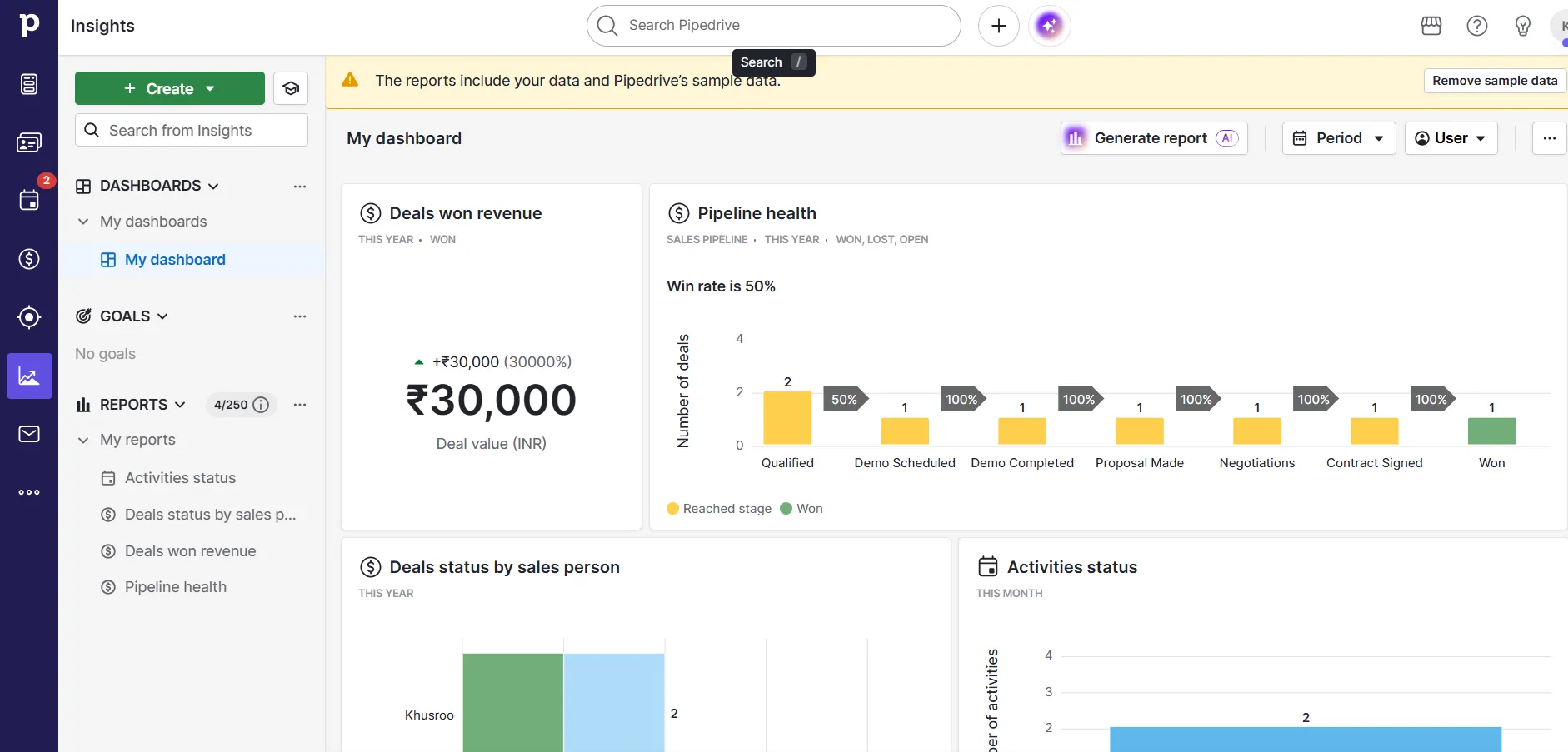
Reportings and Visual Dashboards
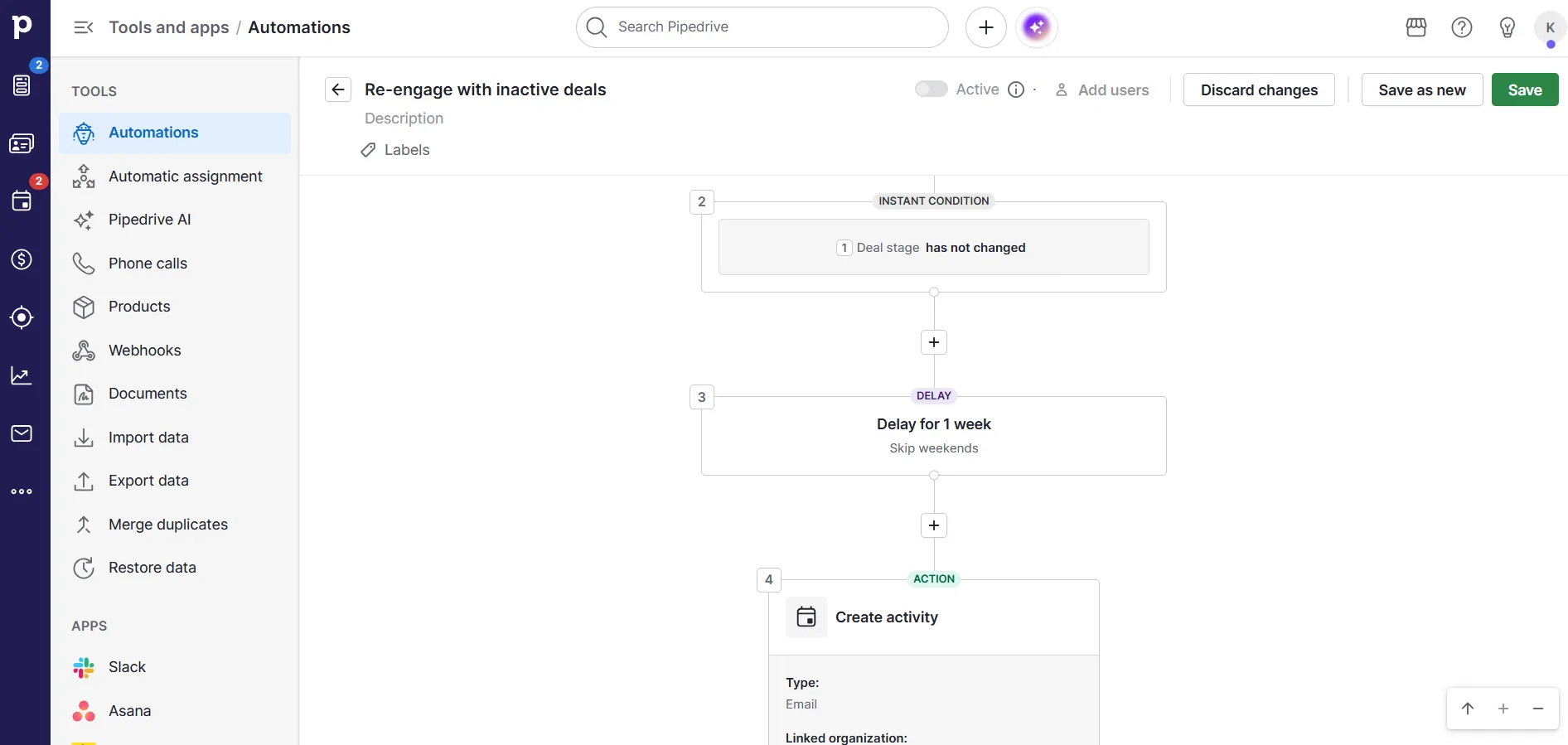
Automation Workflow
How to Connect Pipedrive
Follow these steps to connect Pipedrive with Hyperzod:
- Go to Apps in your Hyperzod Admin Panel
- Select Pipedrive under the CRM category
- Click Connect
- Authorize your Pipedrive account
- Click Sync Now to start syncing data