Quickbooks
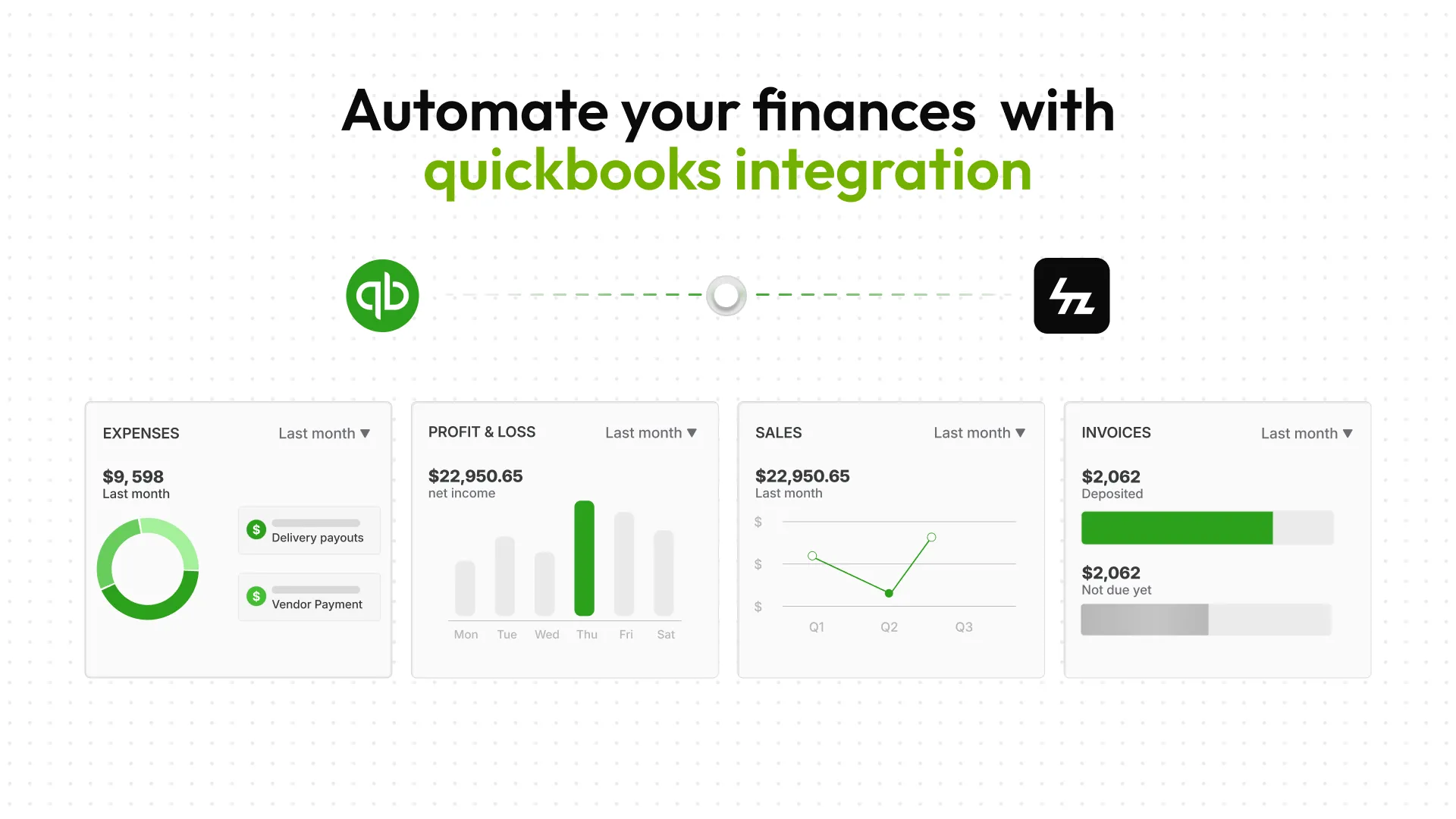
QuickBooks is a leading accounting platform that helps businesses manage their finances, including invoicing, expenses, taxes, and financial reporting — all in one place.
With the QuickBooks integration, your order-related financial data from the platform syncs directly into QuickBooks, allowing you to automate bookkeeping, track revenue accurately, and maintain up-to-date financial records without manual effort.
What Can You Do with QuickBooks Integration?
- Automatically sync order-related transaction data to QuickBooks.
- Enable automatic invoice emails to customers.
- Simplify accounting and reduce manual data entry.
- Instantly see how your business is performing. With a single click, you can quickly see your profit & loss, balance sheet, and dozens of other reports.

Quickbooks Dashboard
How to Connect QuickBooks
- Navigate to Admin panel > Apps > Accounting > QuickBooks
- Click on “Connect” and authorize access to your QuickBooks account
- Configure sync settings for order-related financial data, customers, and products.
Note: For advanced configuration, such as tax settings, chart of accounts, and reporting, refer to QuickBooks’ official documentation.