Shopify POS Integration
Shopify App Configuration
STEP 1: Create a Shopify App
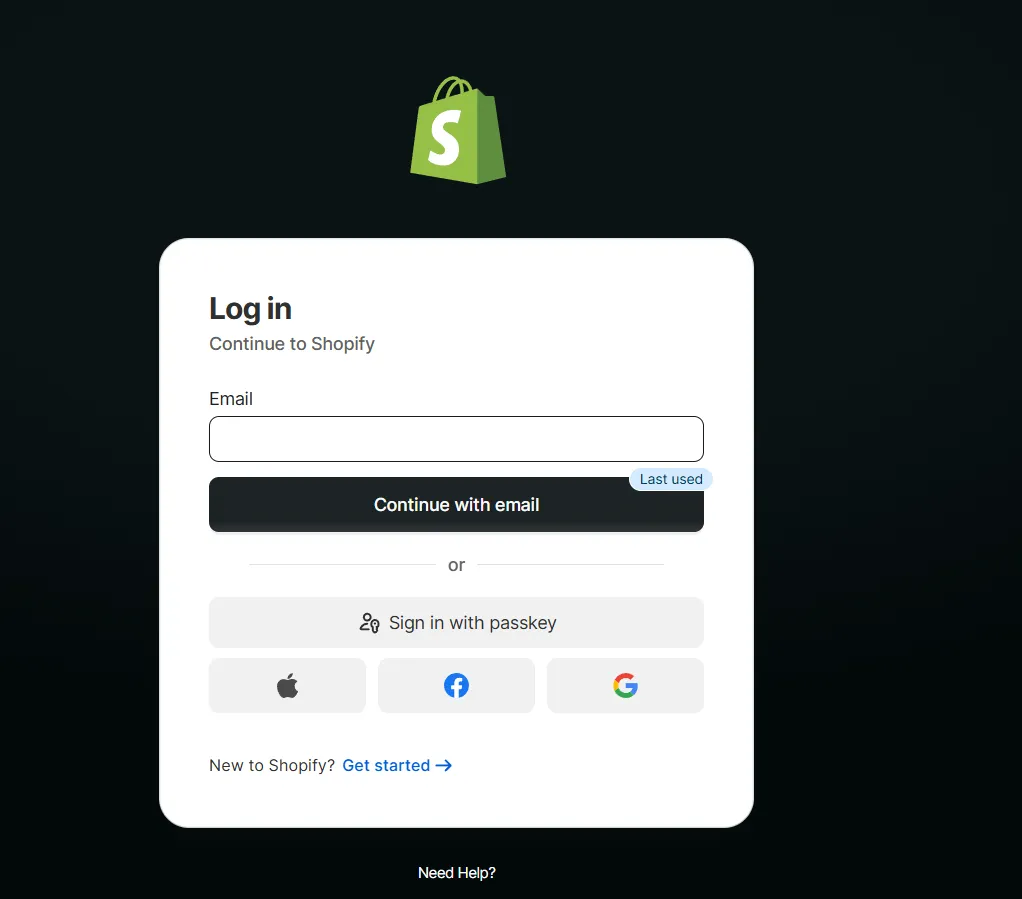
- Go to Dev Dashboard: https://dev.shopify.com/dashboard/
- Log in to your Shopify account
Note: Use your existing Shopify account. You do not need to create a separate account for the Shopify Dev Dashboard.
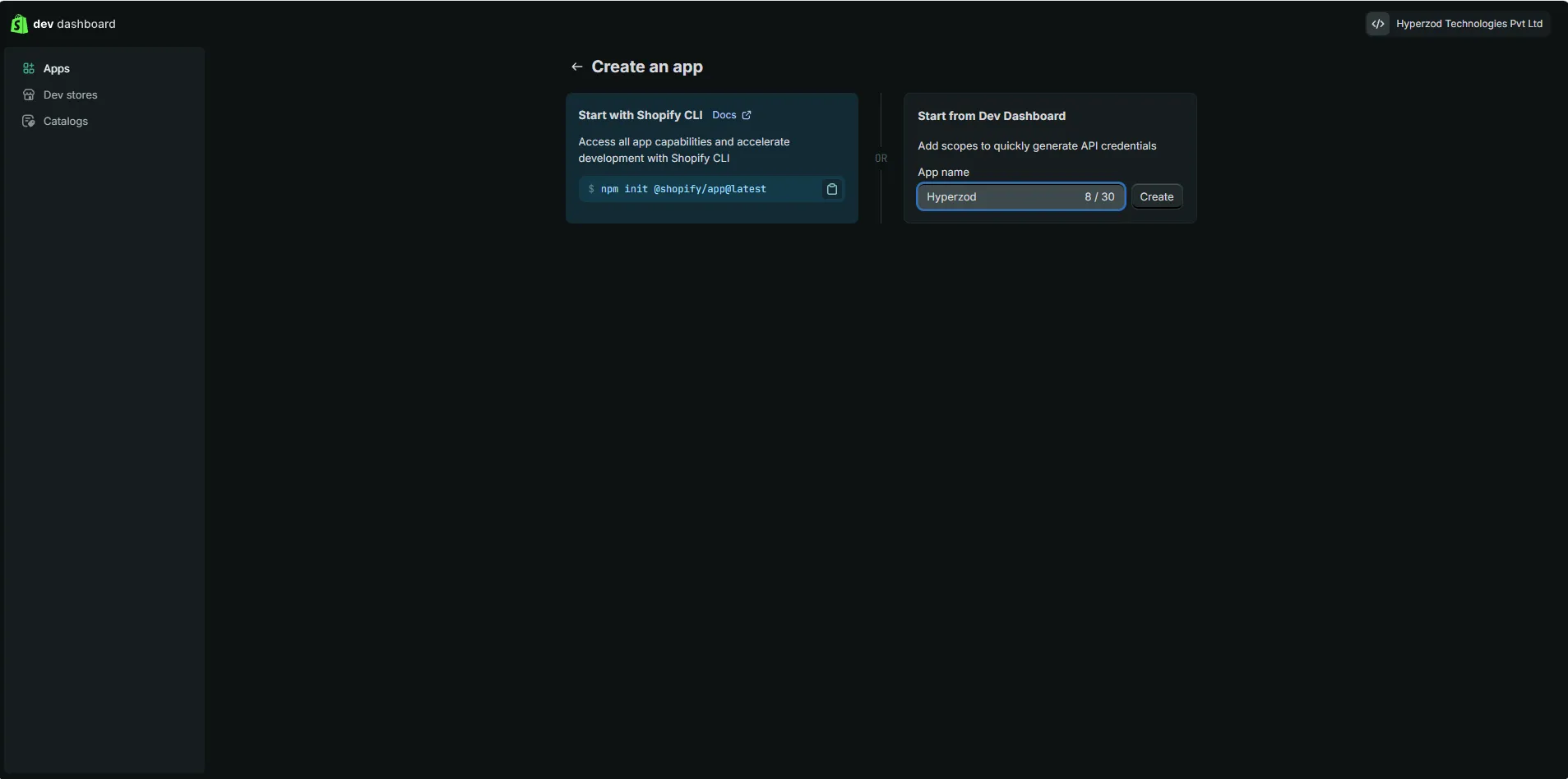
- Open Apps
- Click Create app
- Enter app name → Create
STEP 2: Configure App
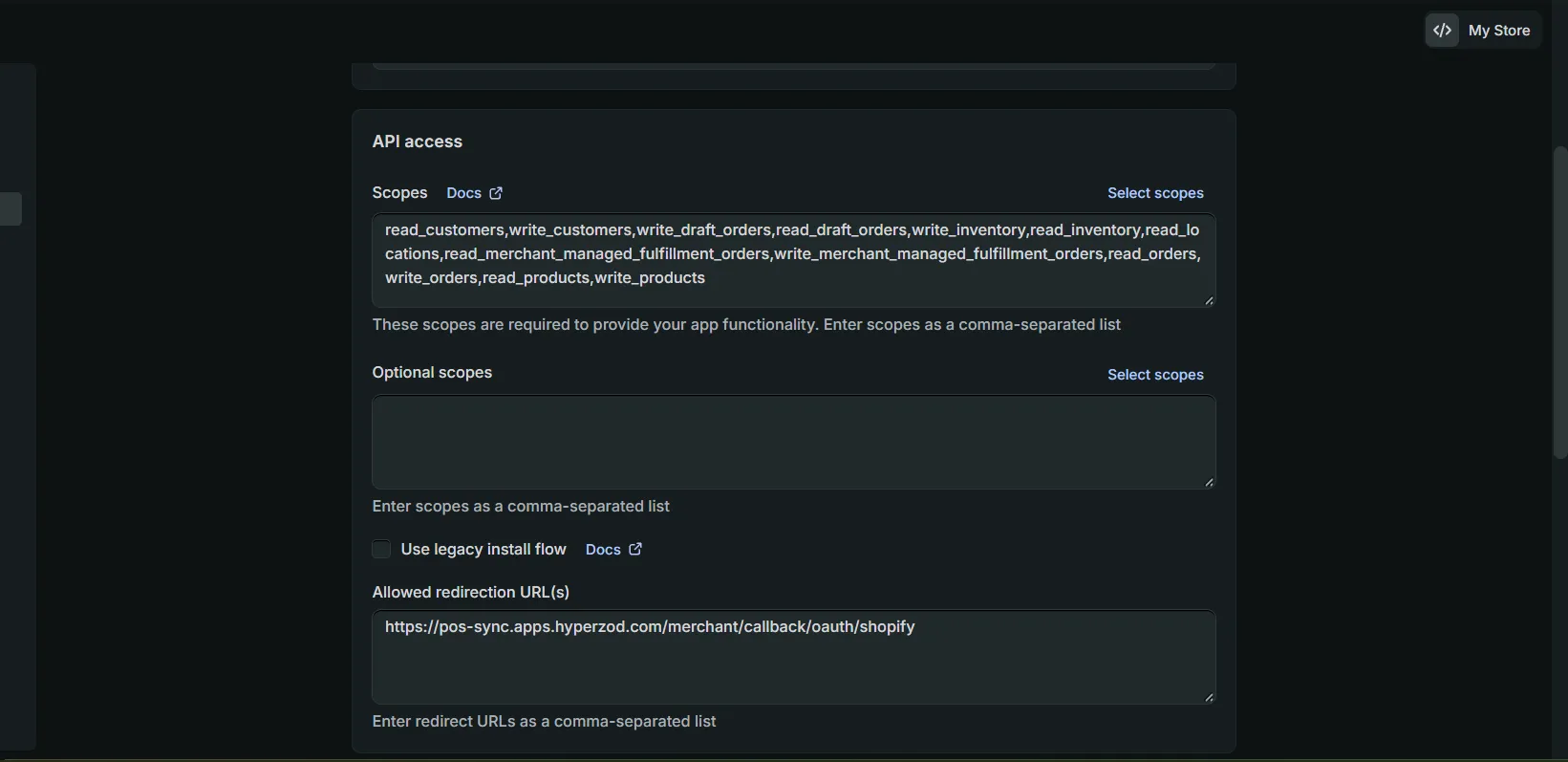
- App URL https://pos-sync.apps.hyperzod.com
- Access Scopes
- read_customers,write_customers
- read_orders,write_orders
- read_products,write_products
- read_inventory,write_inventory
- read_draft_orders,write_draft_orders
- read_locations
- read_merchant_managed_fulfillment_orders
- write_merchant_managed_fulfillment_orders
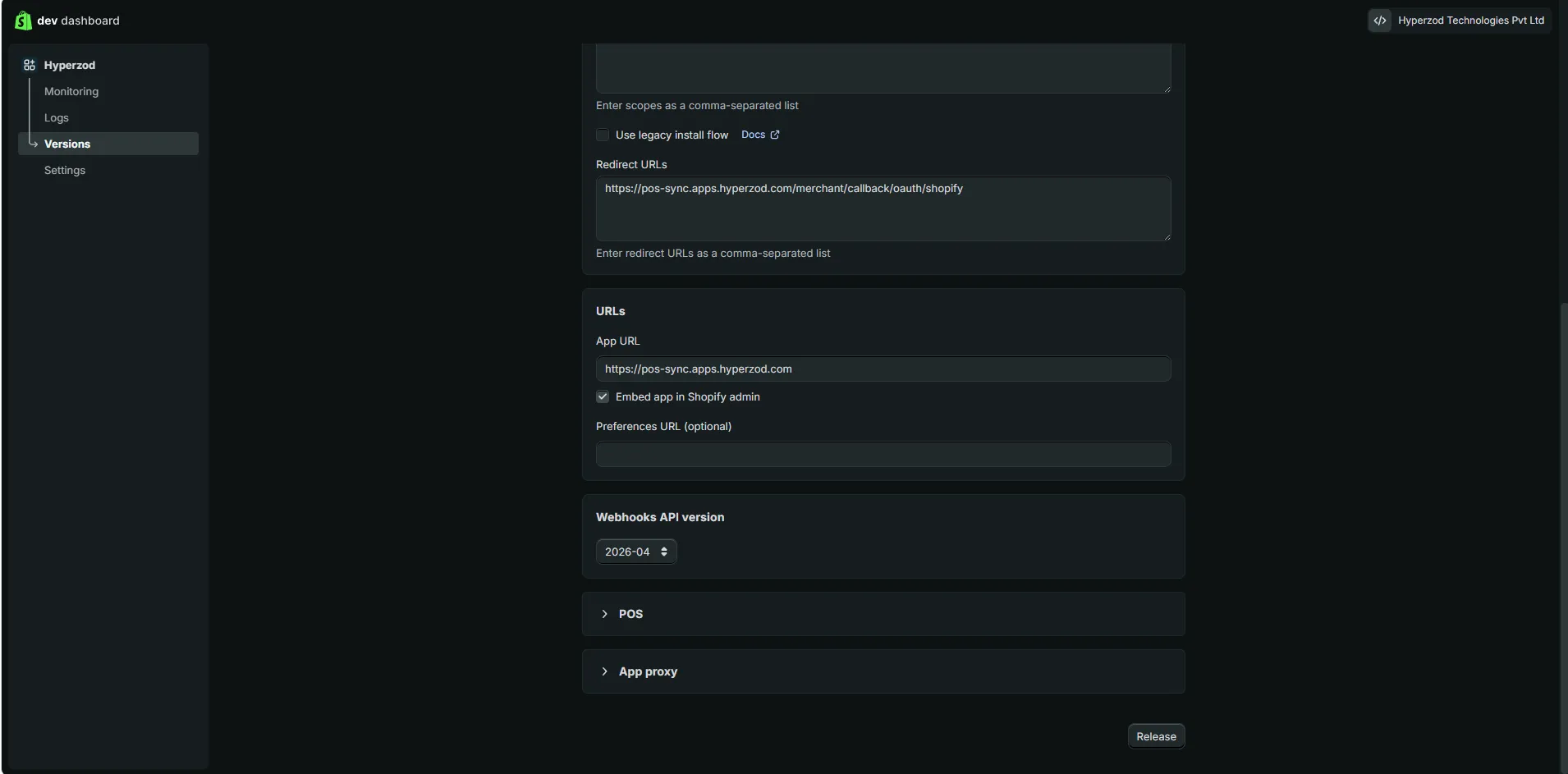
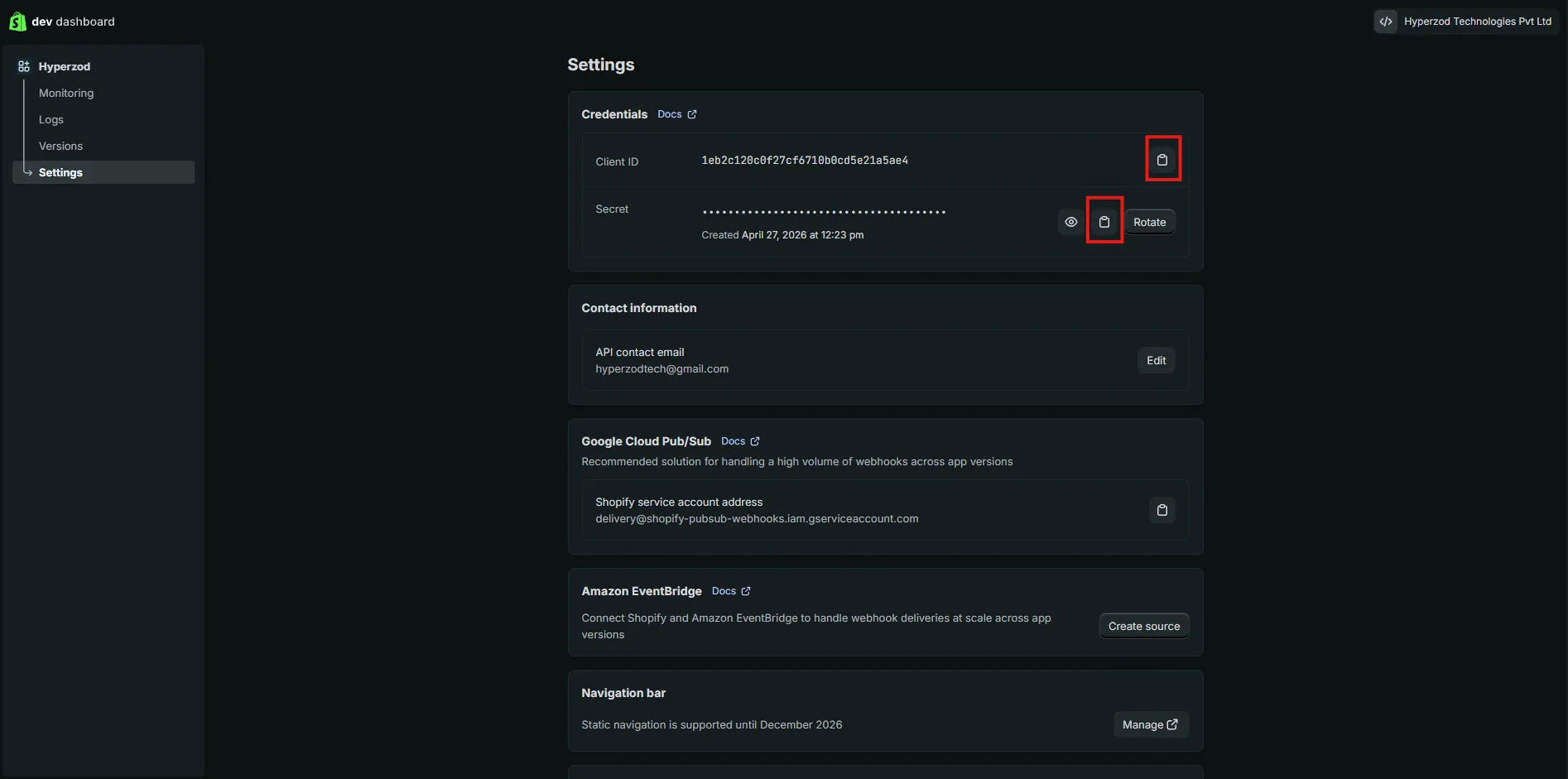
- Copy the Client ID and Client Secret
Admin Panel
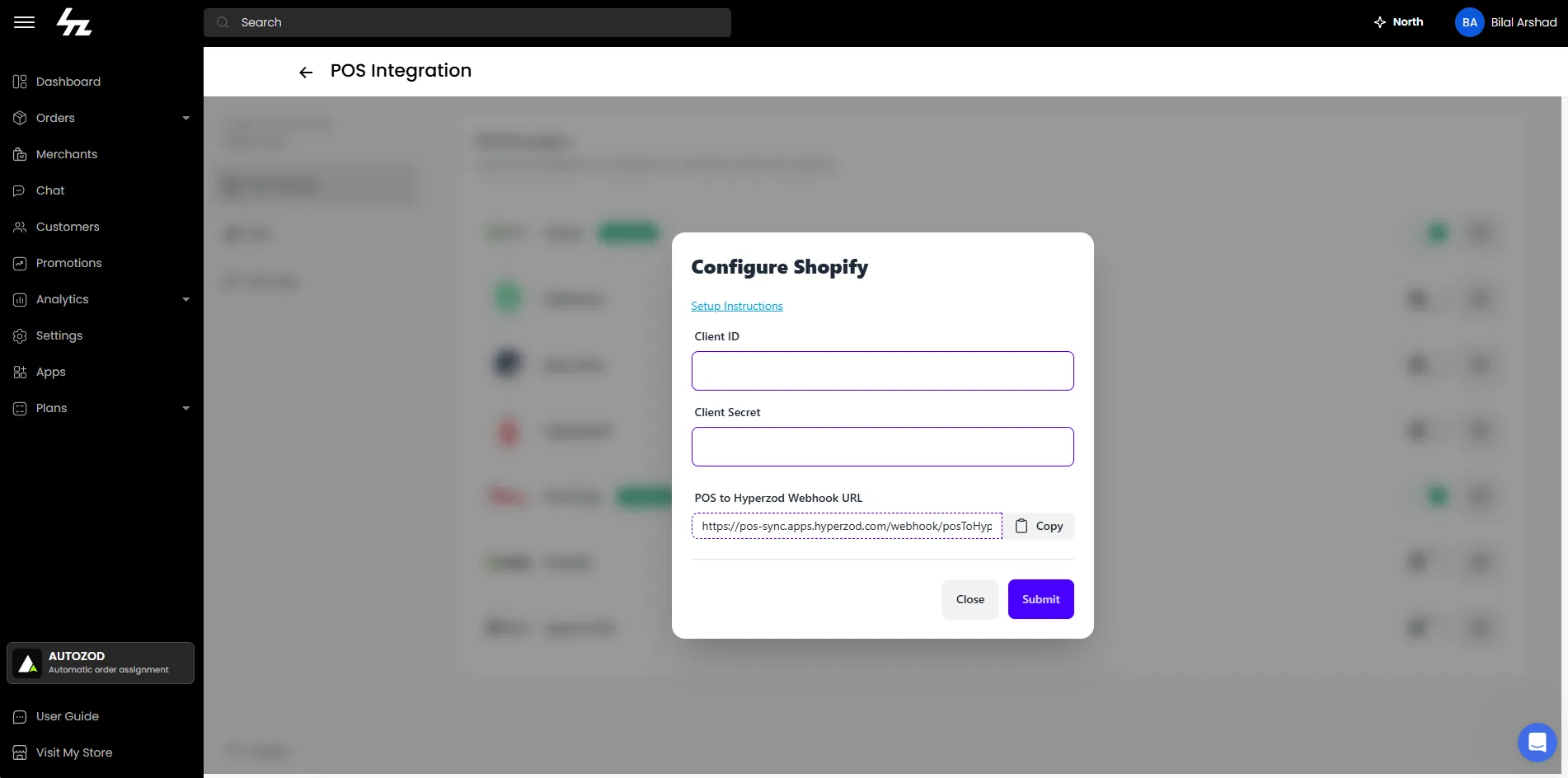
STEP 1: Configure Shopify in Hyperzod Apps
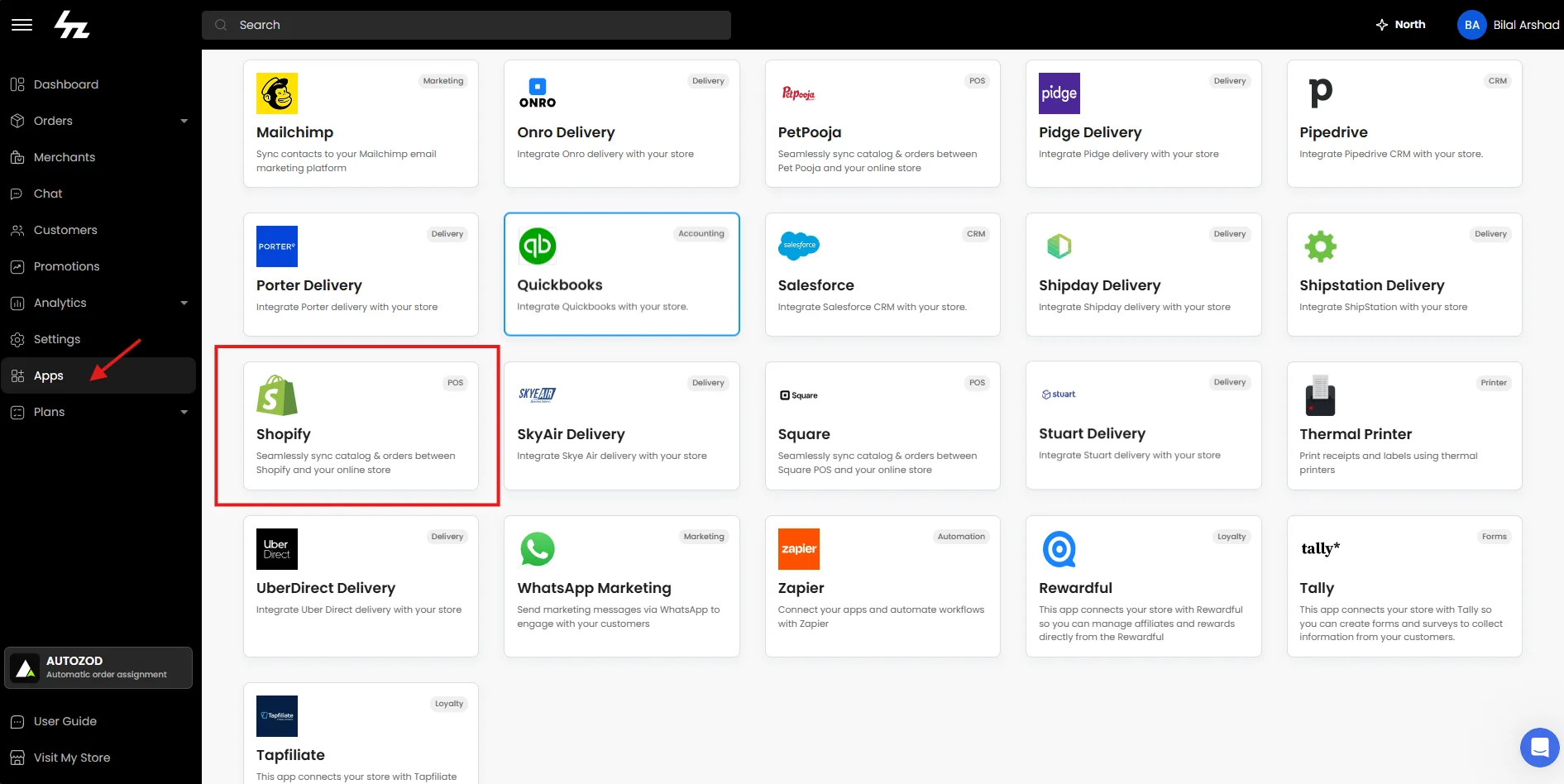
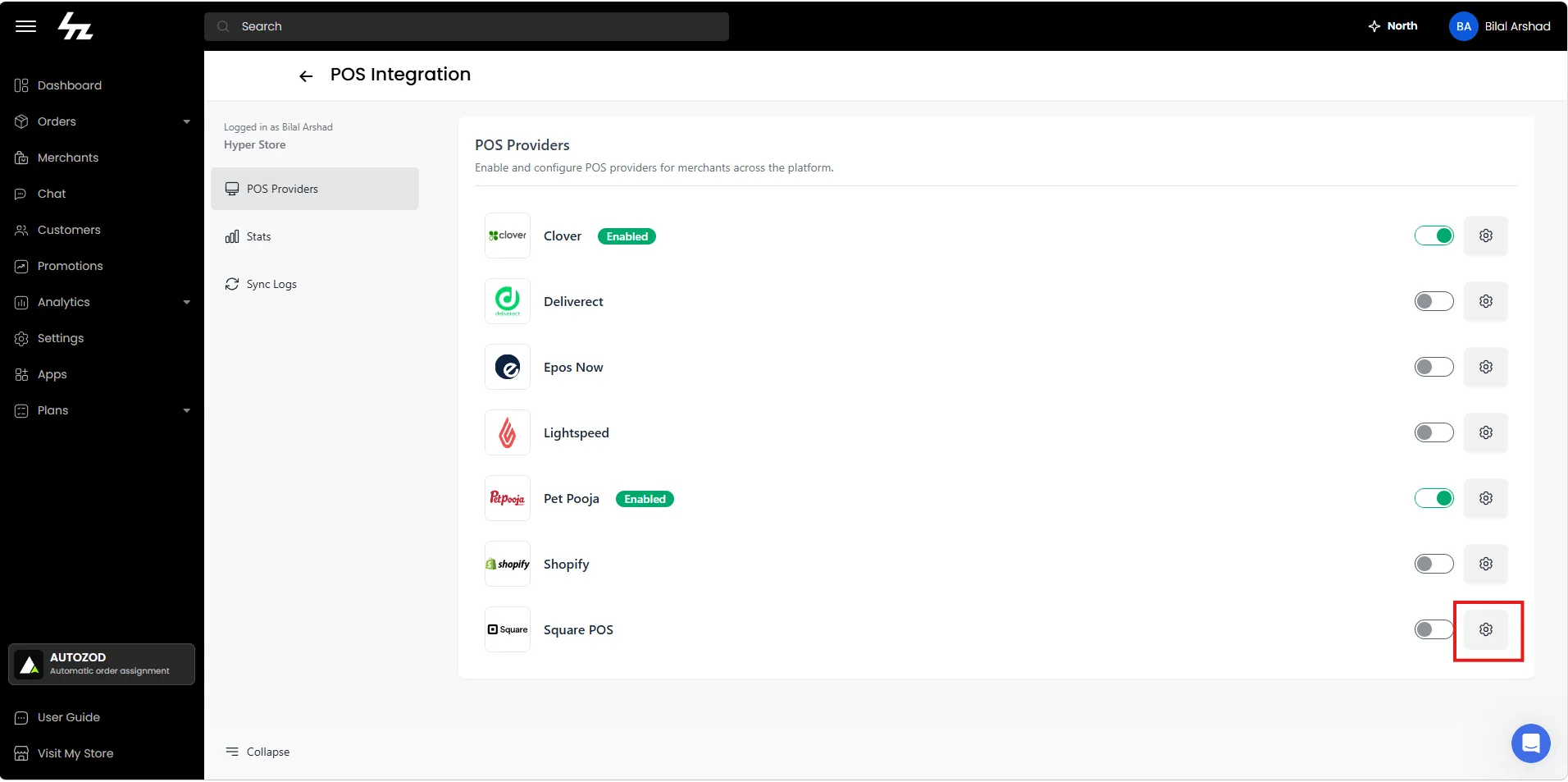
Provide the following details:
- Client ID
- Client Secret
Click Submit to save the configuration.
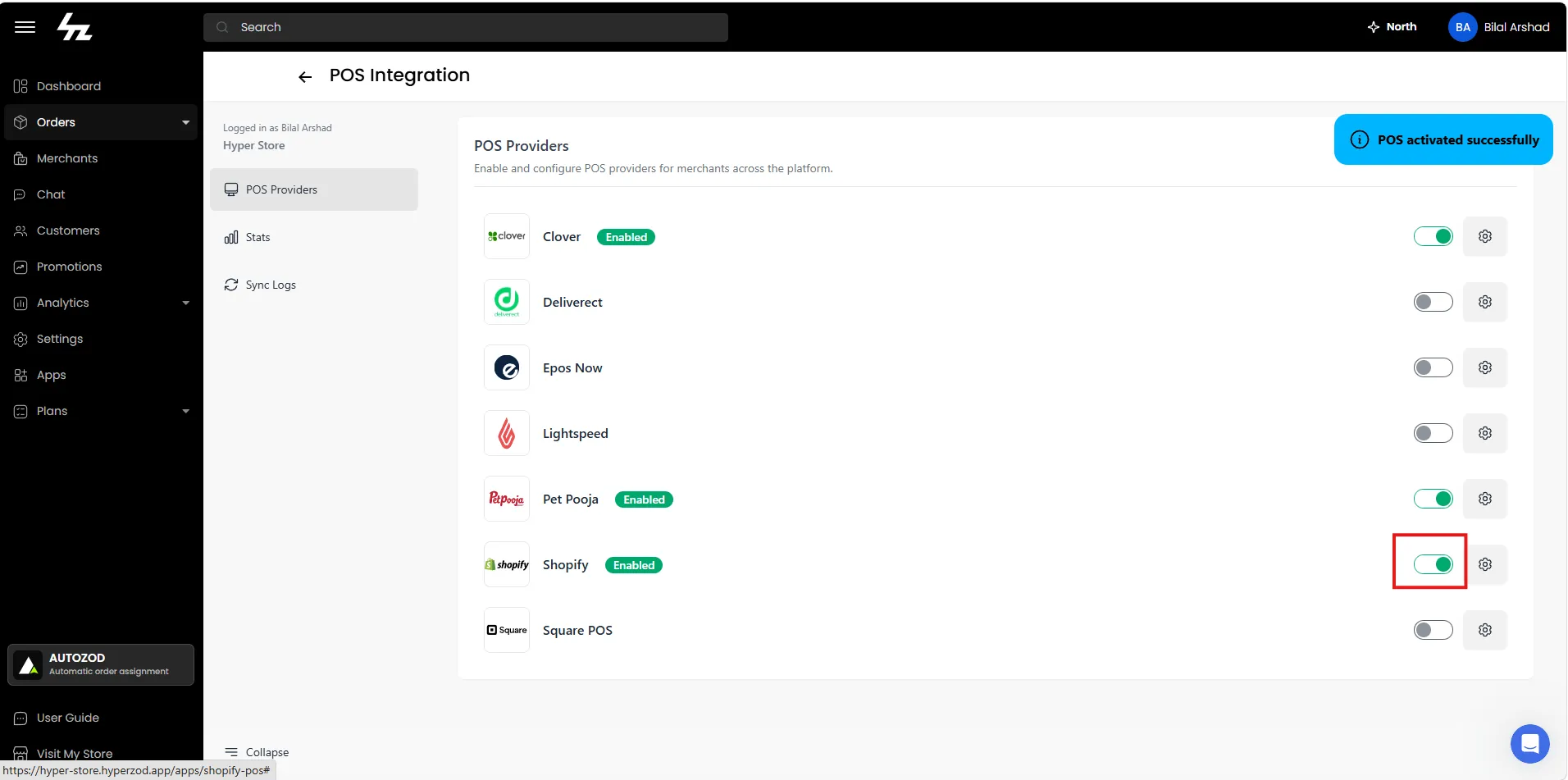
STEP 2: Activate Shopify for Merchants
Merchant Panel
STEP 1: Authorize Shopify Store
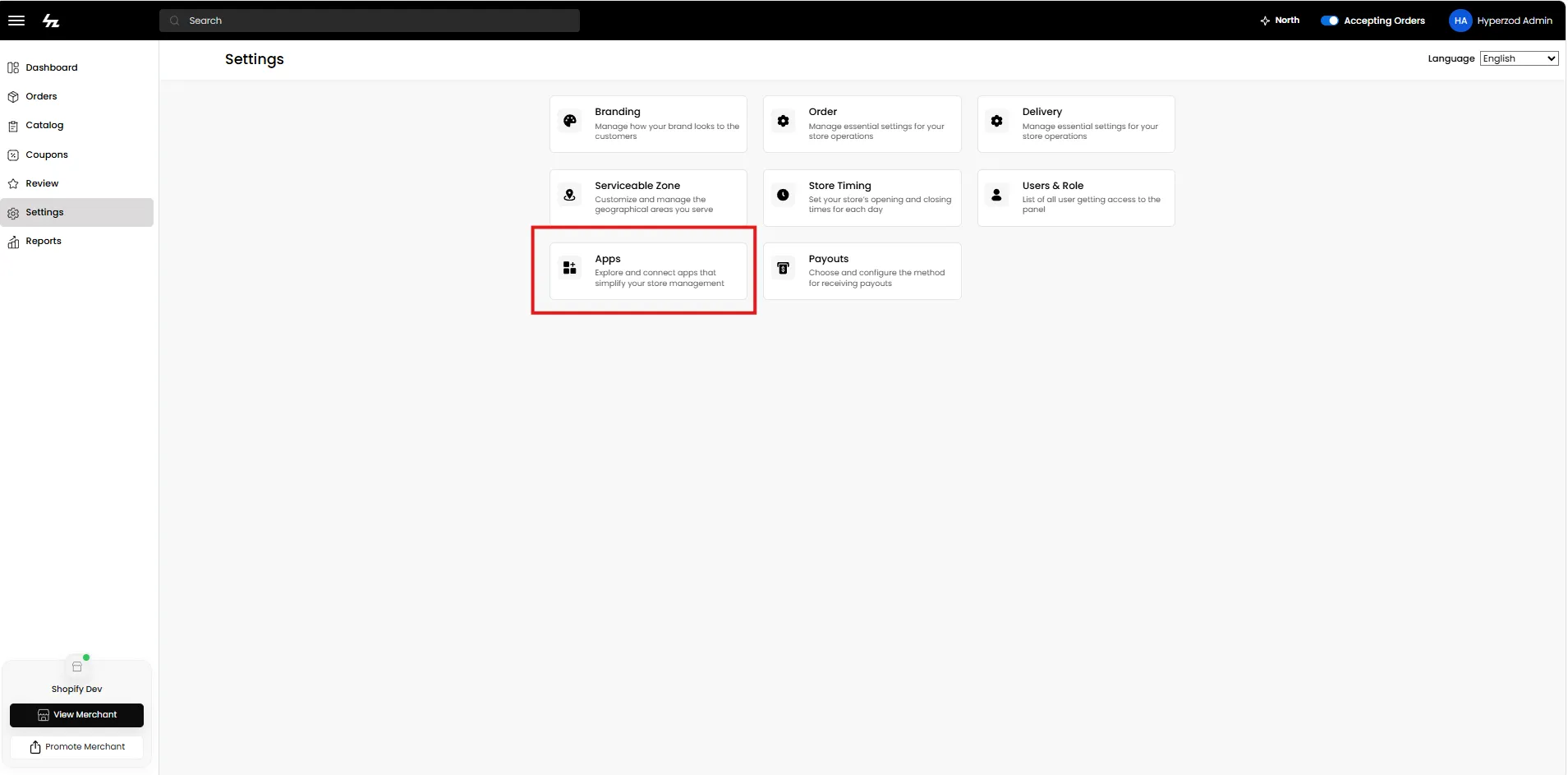
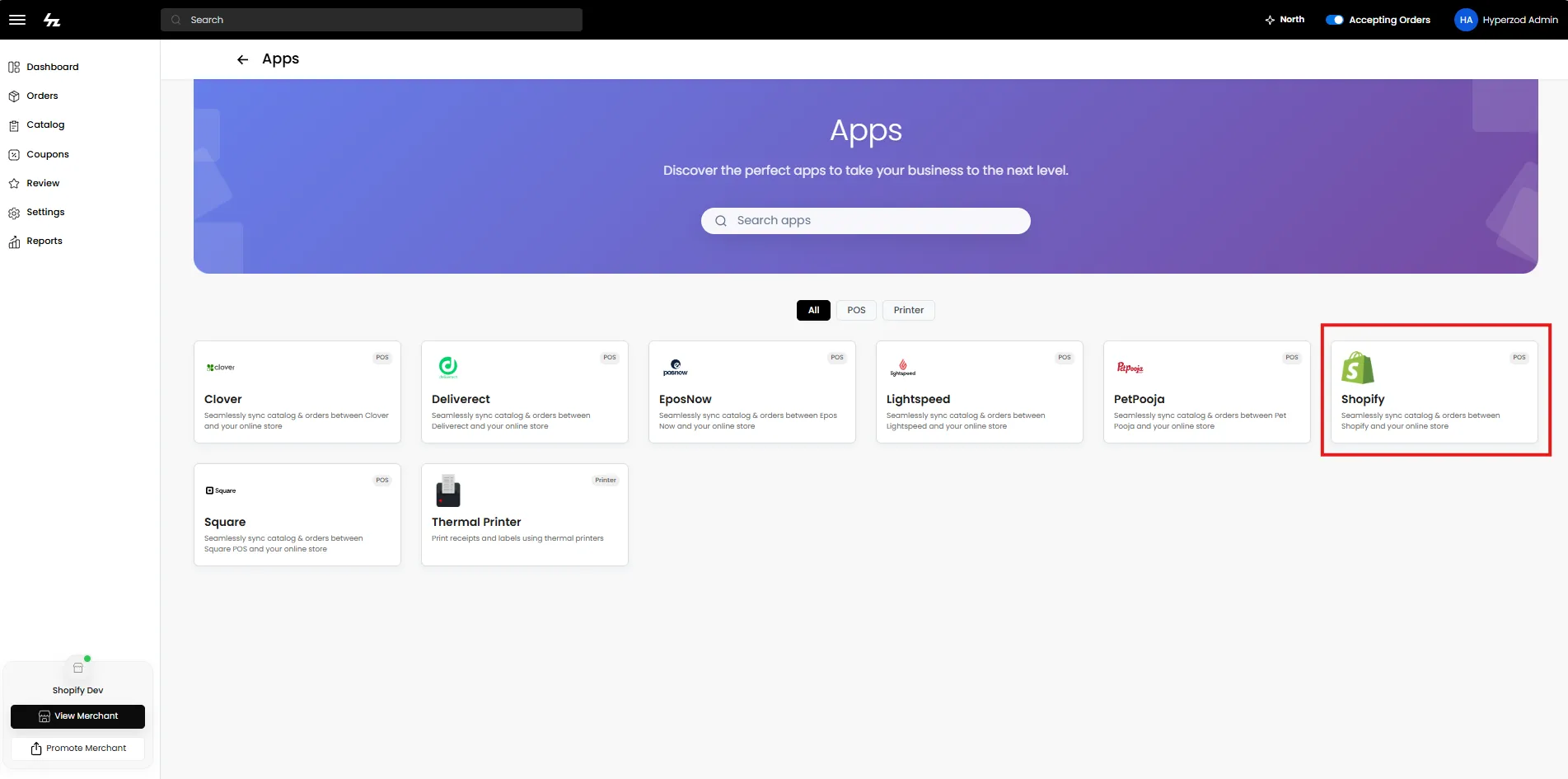
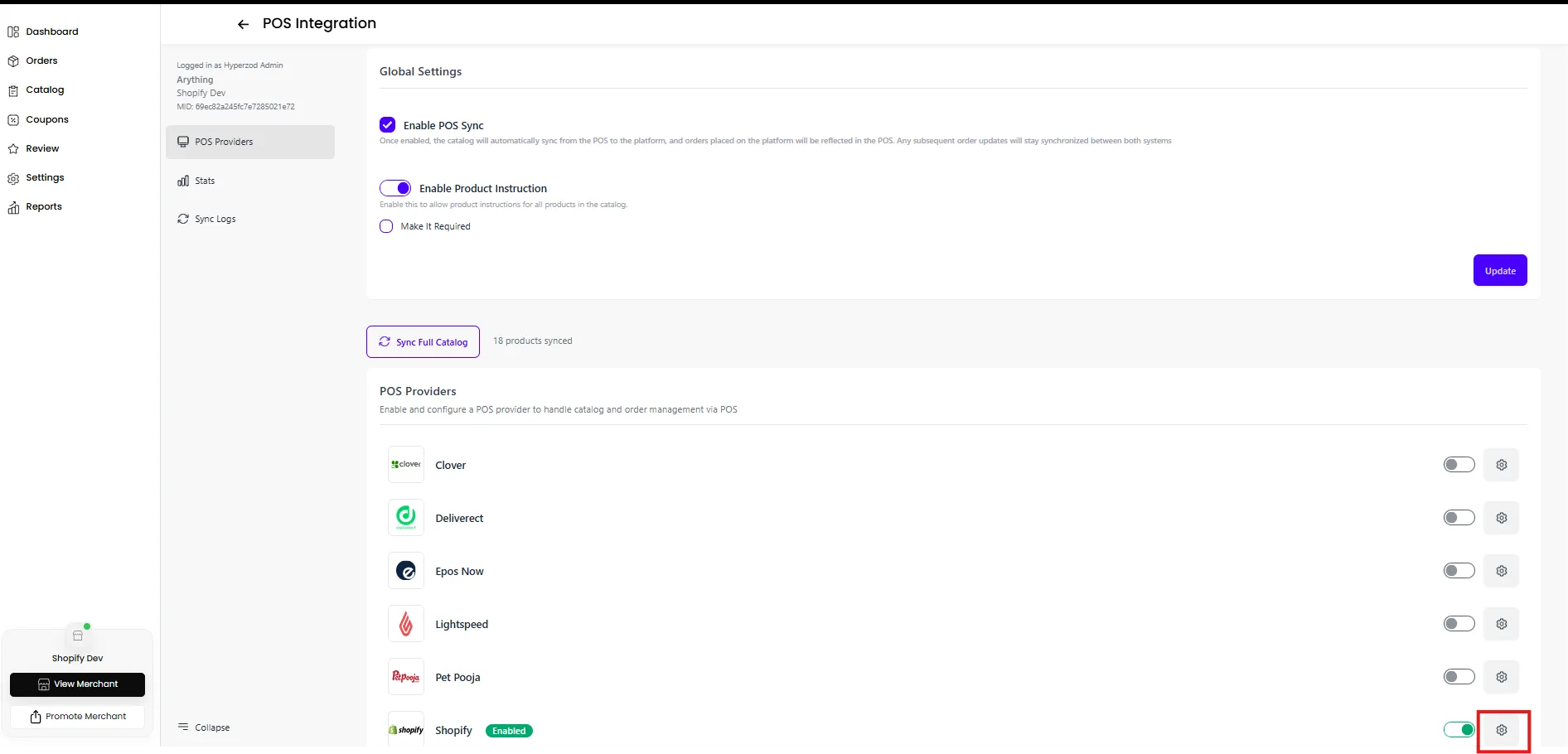
- Navigate to Settings → Apps → Shopify in the merchant panel
- Note: Shopify will only appear if it has been enabled by the admin
- Click Configure Shopify
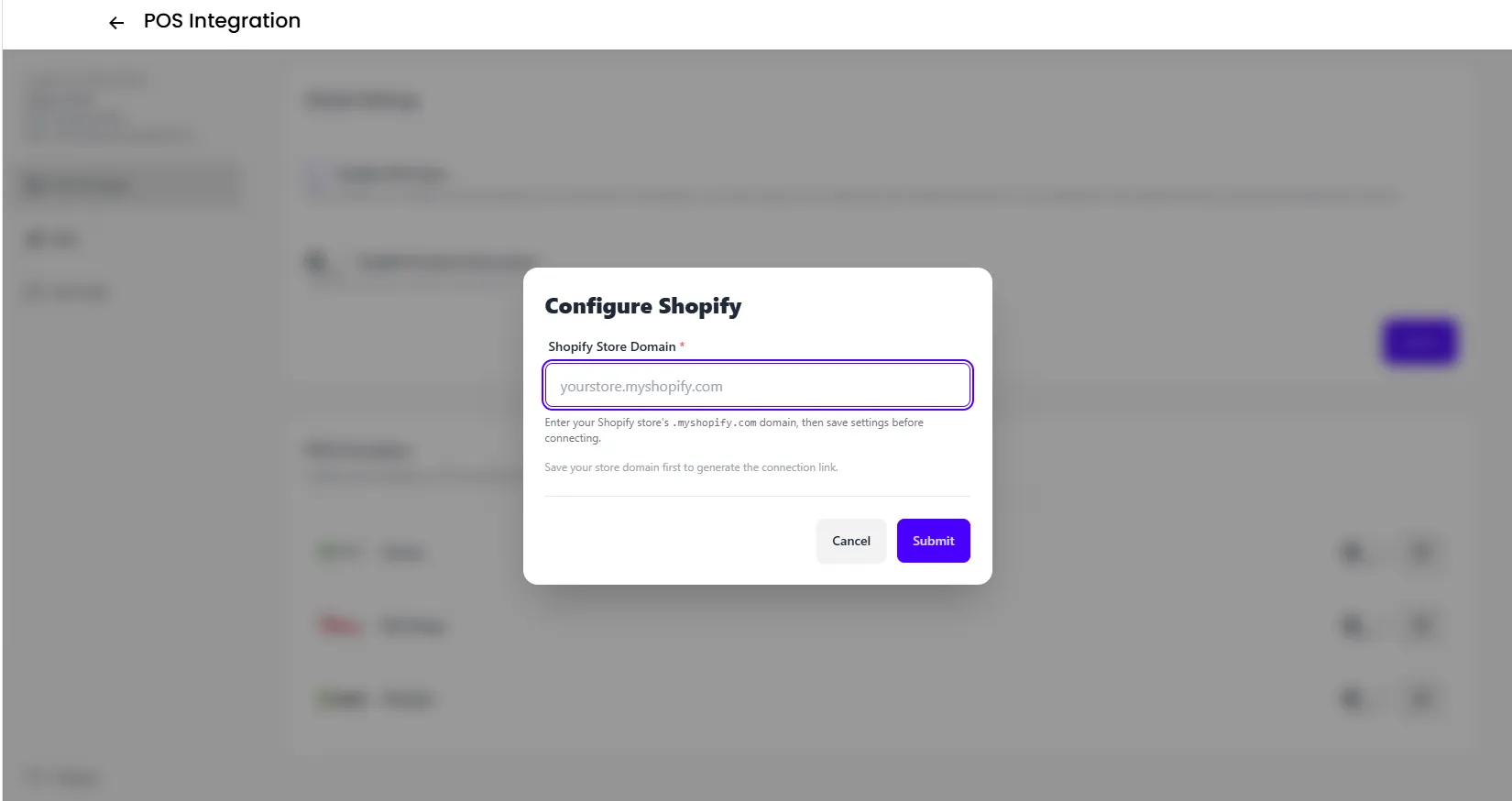
- Enter your Shopify Store Domain (e.g., your-store.myshopify.com)
- Click Submit
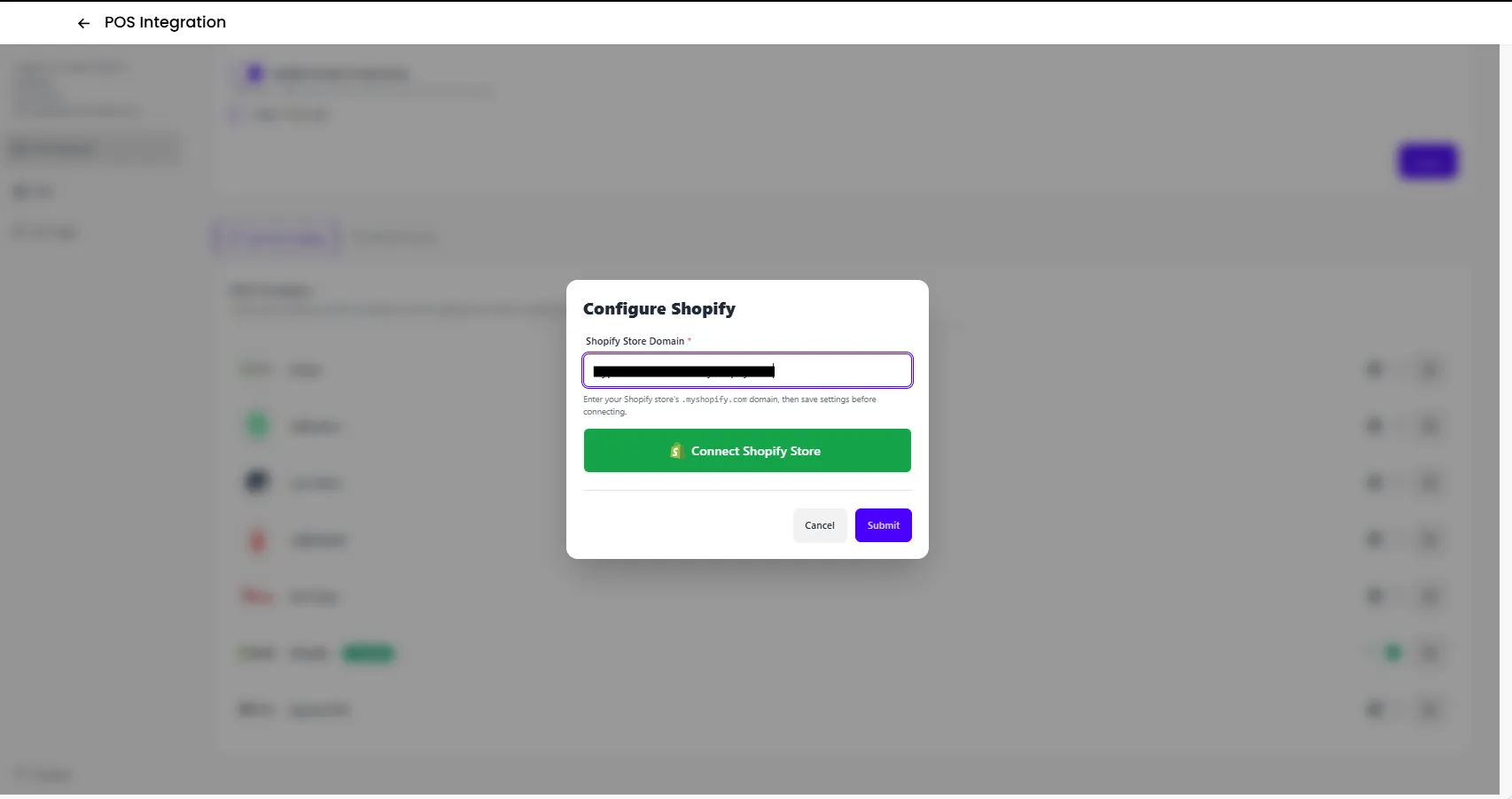
- Click the Connect Shopify button to authorize your Shopify Store
STEP 2: Activate
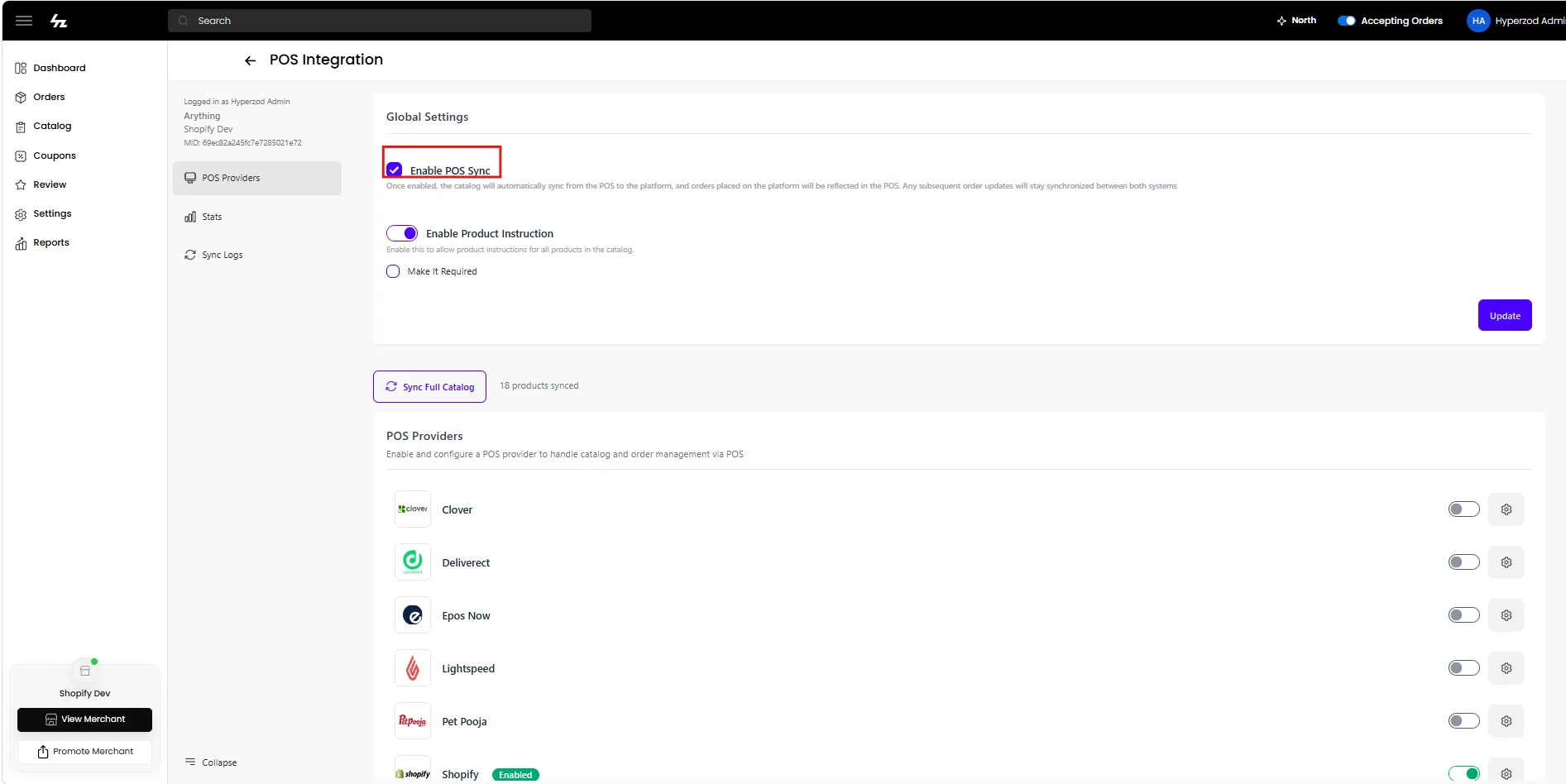
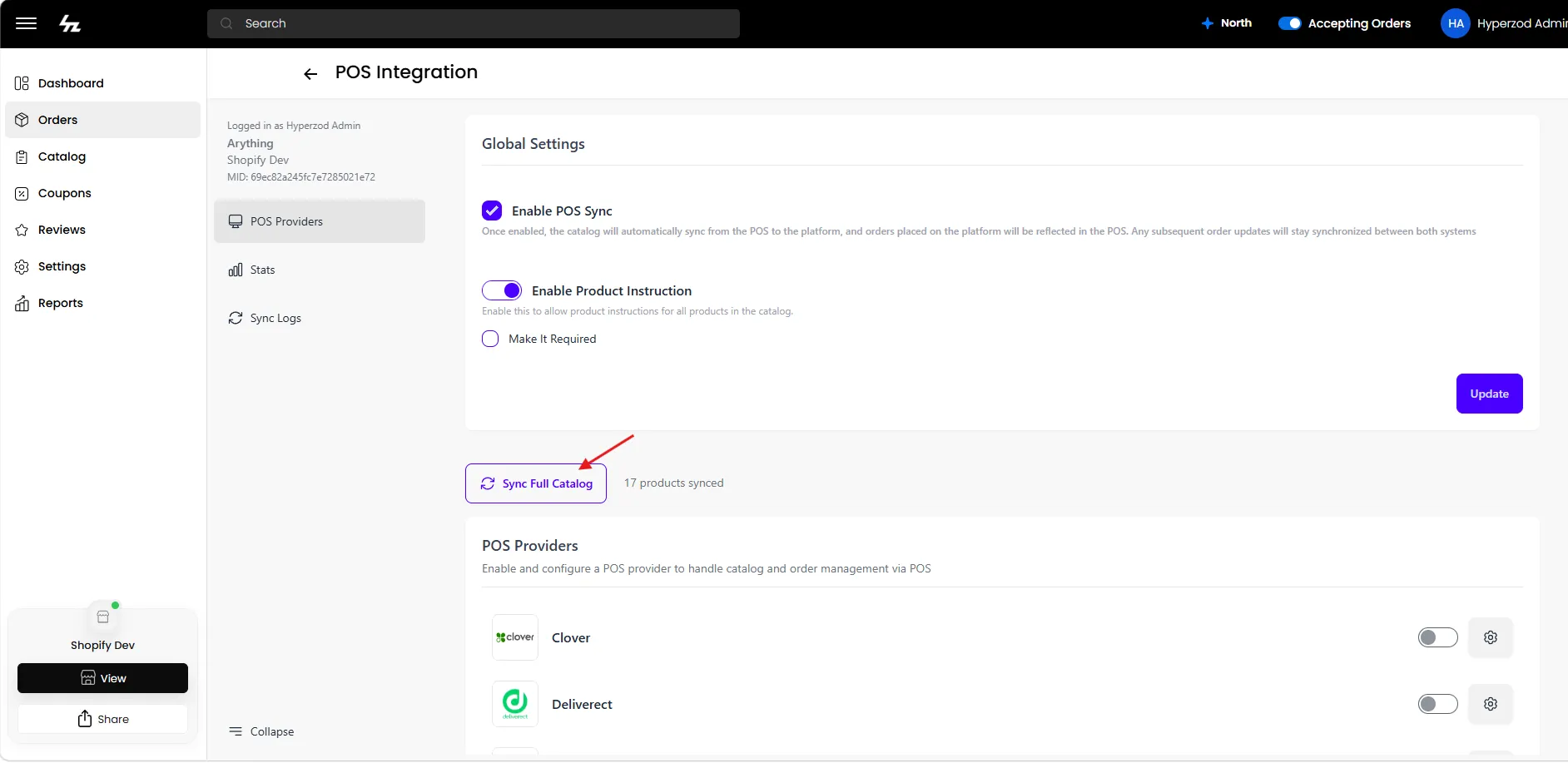
Finally, activate Shopify and Enable POS Sync option from Global Settings.
STEP 3: Sync Catalog
After enabling POS Sync, click Sync Full Catalog to sync the entire catalog from Shopify to the platform
Synced Catalog
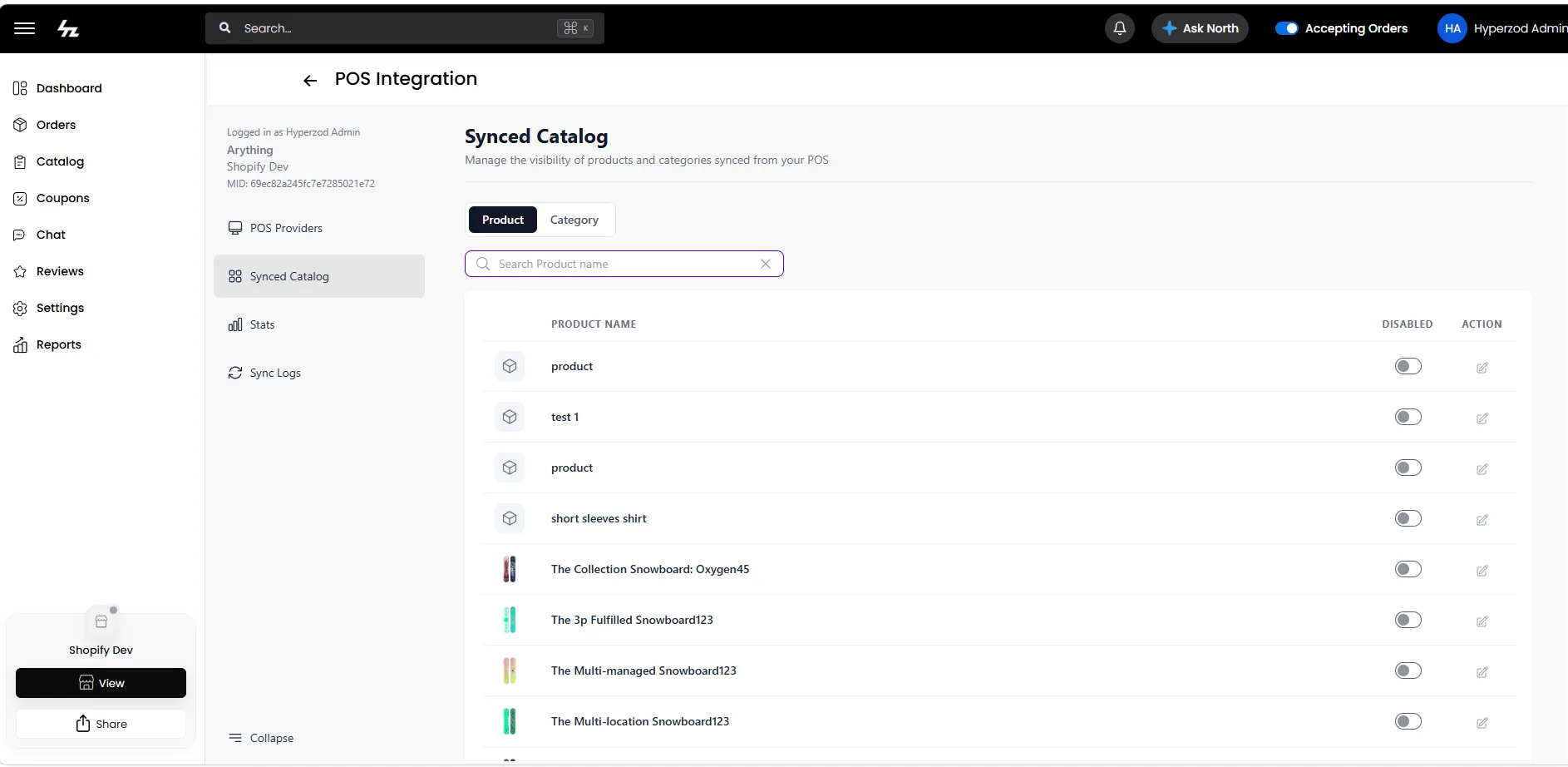
After the merchant setup is complete and the catalog is synced, you can manage the visibility of synced products and categories from the Synced Catalog page.
When a product or category is disabled, it is unpublished from your store, and future status updates from the Shopify for that product or category are ignored.
When a product or category is re-enabled, it is published to your store again, and future status updates from the Shopify are processed normally.
Product Tax
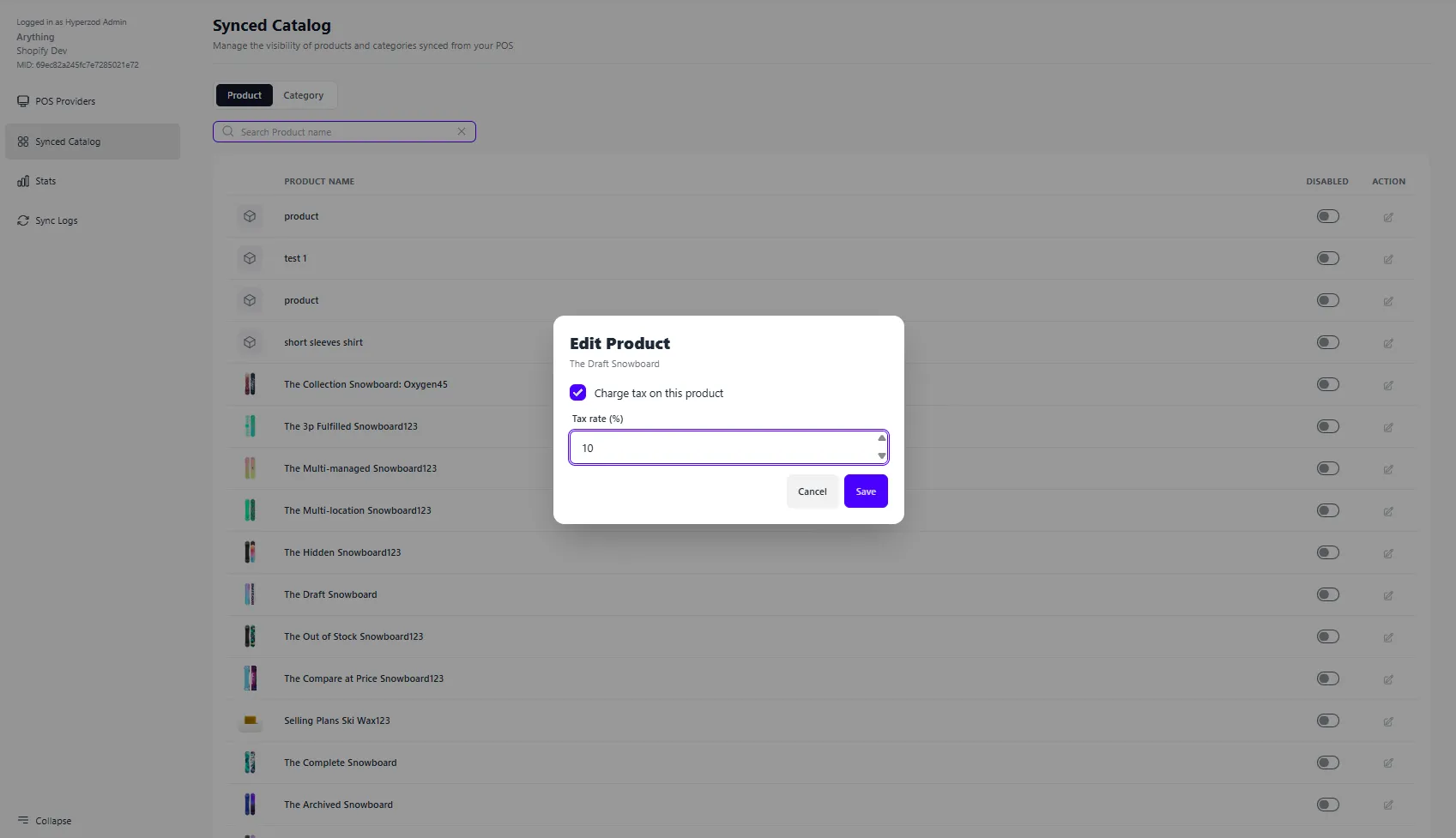
You can configure the tax settings for synced Shopify products from the Synced Catalog page.
Click the Edit icon for a product to configure its tax settings.
- Enable Charge tax on this product to apply tax to the product.
- Enter the Tax rate (%) and click Save.
- Changes made here are reflected in your store and are used when calculating taxes for orders.