Dispatch Flow Builder
The Dispatch Flow Builder allows you to control how delivery tasks are assigned to your agents.
It helps automate the assignment process and ensures orders are distributed efficiently according to your preferences.
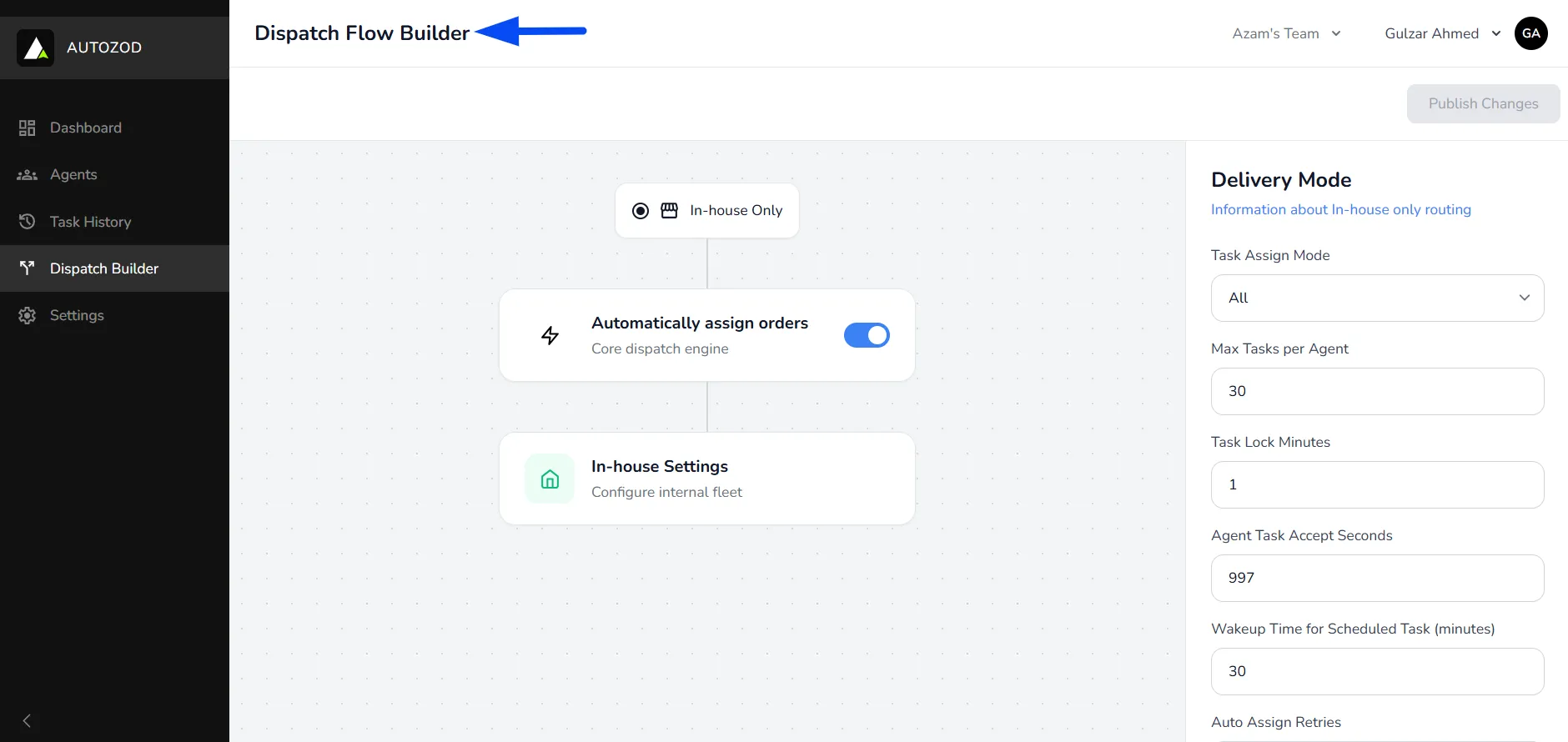
Navigating to the Dispatch Flow Builder
- Within the Autozod panel, in the left-side menu, click on the Dispatch Builder section.
Understanding the Flow
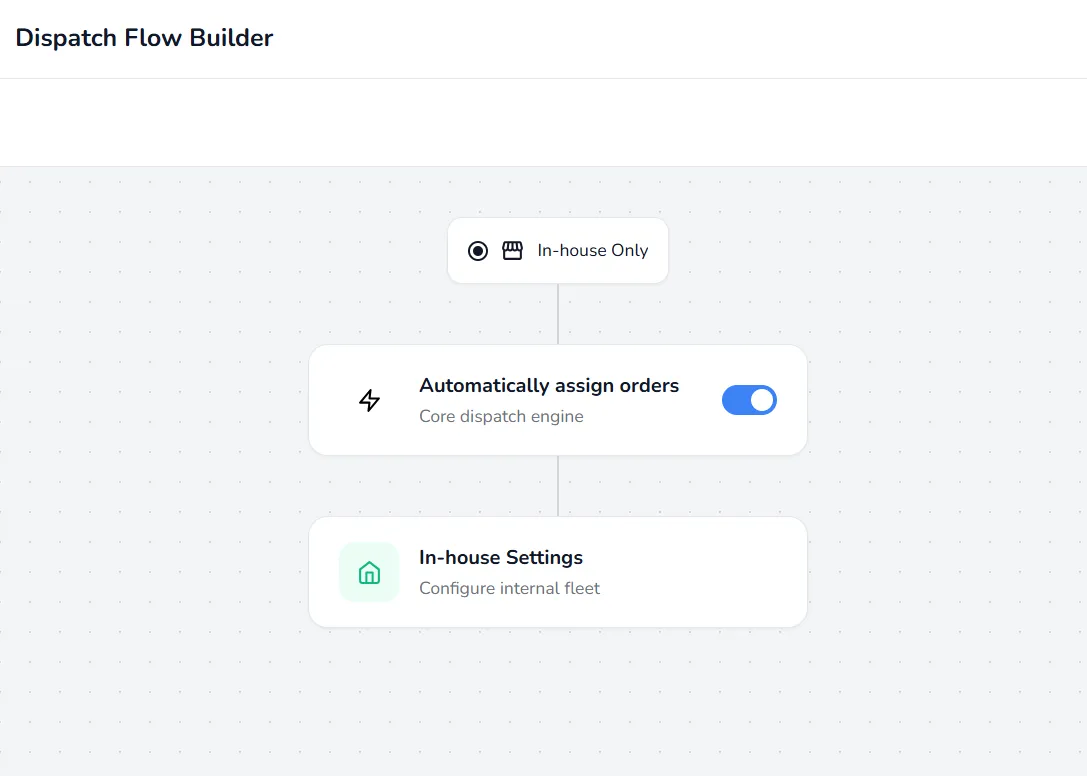
The flow is designed in a simple step-by-step structure:
- In-house Only: Defines that orders will be handled by your internal agents
- Automatically assign orders: Enables automatic task assignment
- In-house Driver Settings: Let's you configure how agents receive and handle assigned tasks
Assignment Modes (Auto/ Manual assignment)
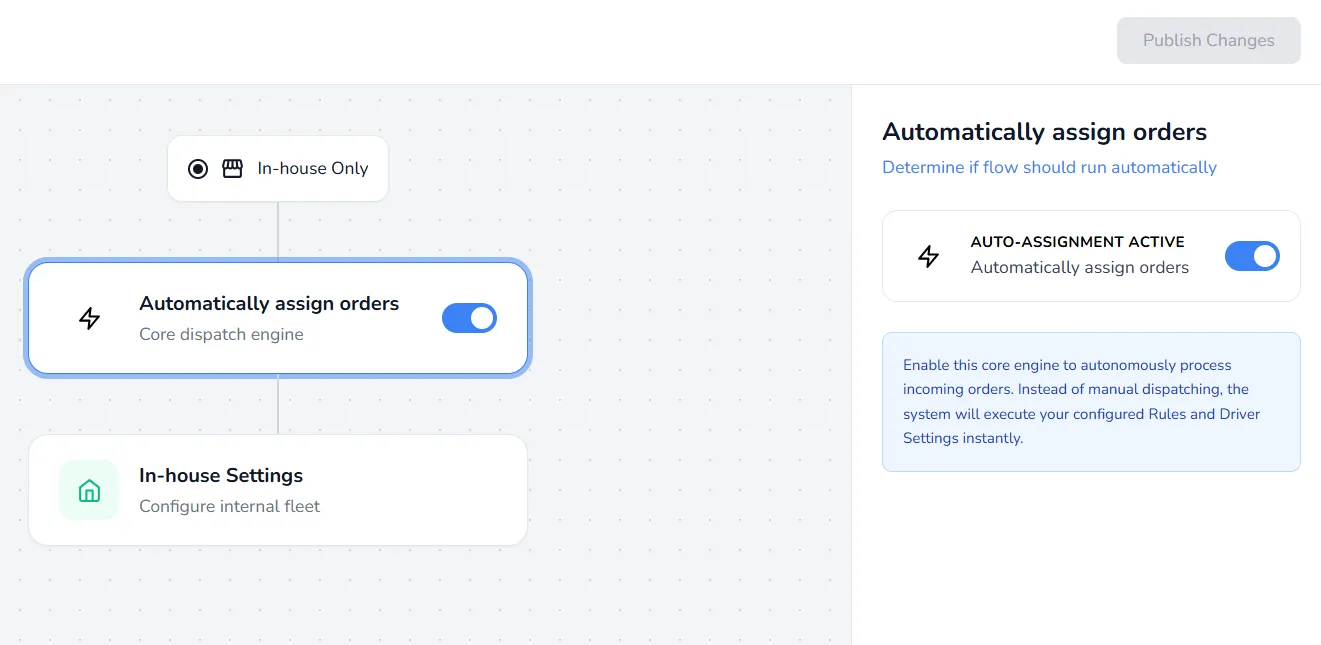
Enable for auto-assignment or disable for manual assignment directly from the Autozod dashboard, offering flexibility in managing order allocation based on your preference.
Note: For the Auto Assign process, the order will automatically revert to the Created state if the assignment logic is unable to find any available riders.
Order Assigning Logics
Autozod presents three assignment logics, namely "All," "Round Robin," and "Force Assign," each designed to efficiently allocate delivery tasks based on different parameters and operational needs.
Round Robin
Orders are offered to the closest available rider first within the assigning radius; if rejected or not accepted within a timeframe, it goes to the next available rider within the same radius.
All
Orders are sent to all available riders within the assigning radius; the first acceptance gets the delivery.
Force Assign
Orders are forcibly assigned to the closest rider within the assigning radius without the option to accept/reject, ensuring swift allocation of deliveries.
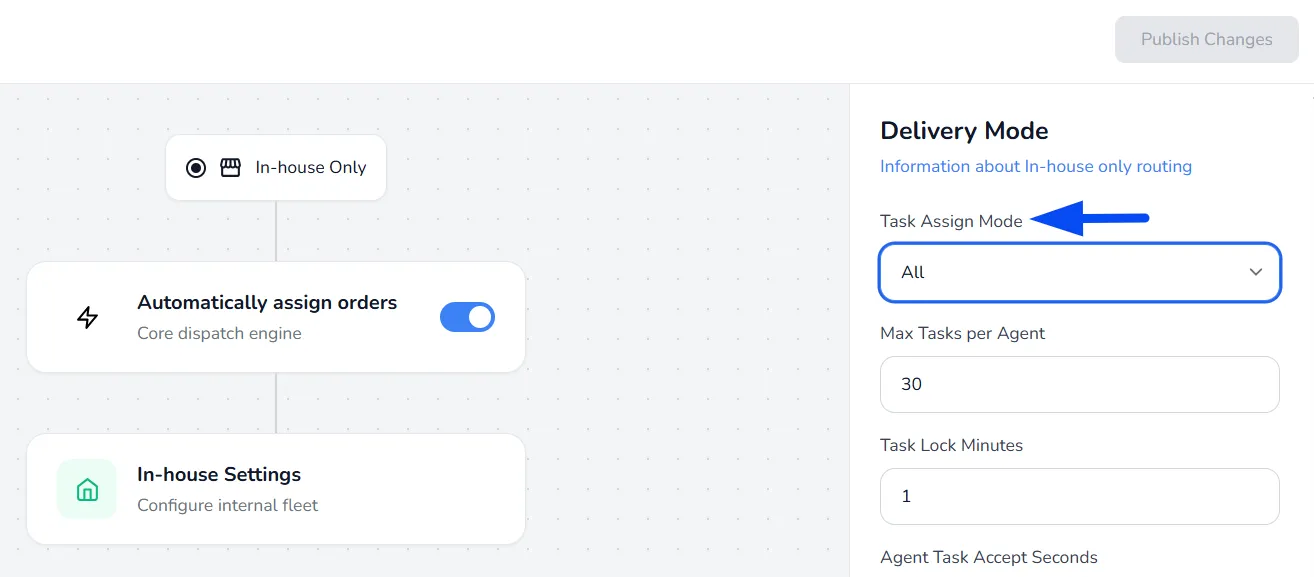
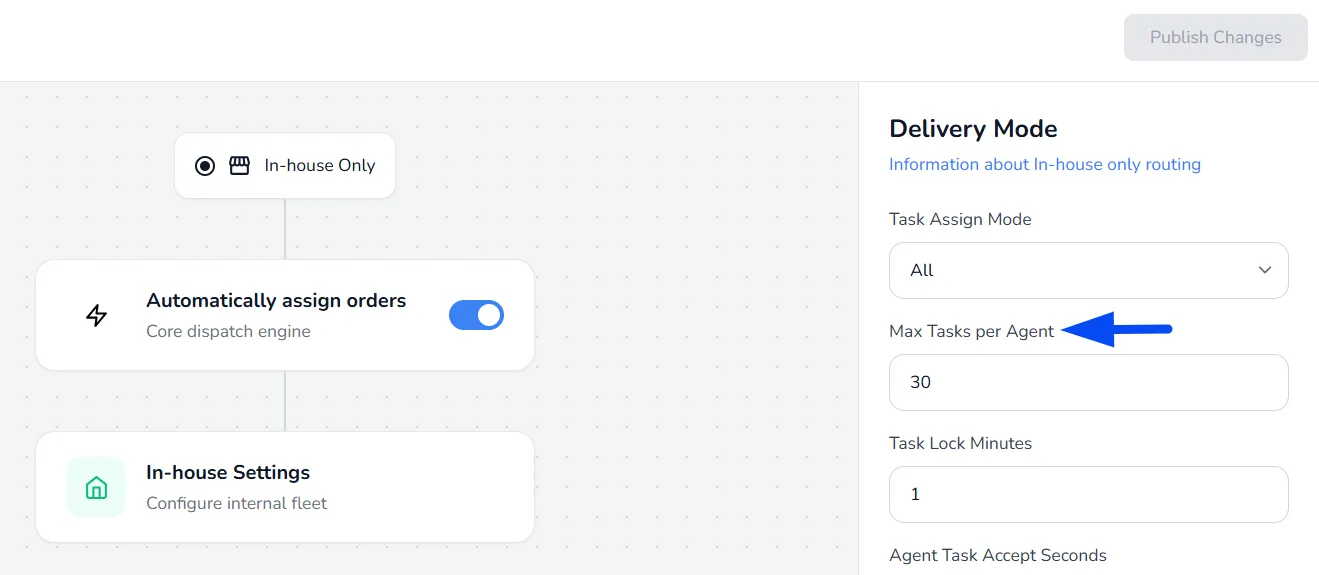
Max Tasks per Agent
Set the maximum number of orders a driver can handle simultaneously. Once this limit is reached, the system will halt sending or assigning new orders until ongoing ones are delivered.
Note: Once a delivery agent accepts a task, they cannot cancel it directly. If the task needs to be reassigned, the delivery agent must contact the Admin/Order Manager, who can reset the task and assign it to another rider.
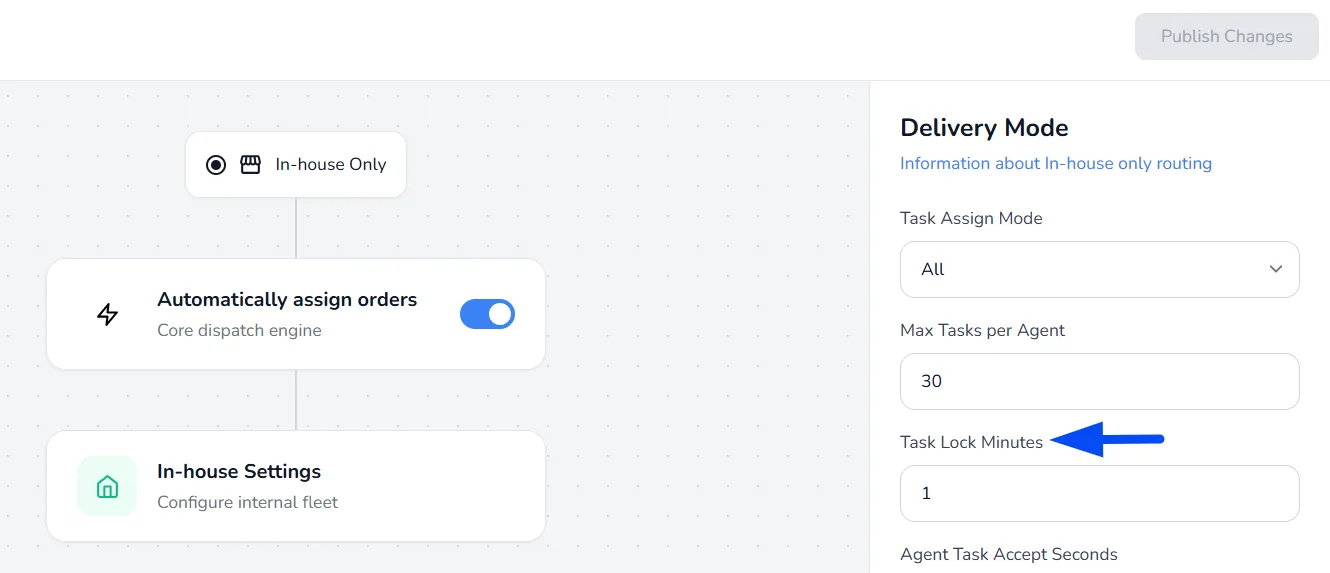
Task Lock Minutes
After this duration, task statuses cannot be reversed, and final incentives are calculated and added to Autozod reports.
Note: It is recommended to keep the Task Lock Minutes value as low as possible so the Driver can see their earnings for the task, and accordingly, the task reports can also be created for the order.
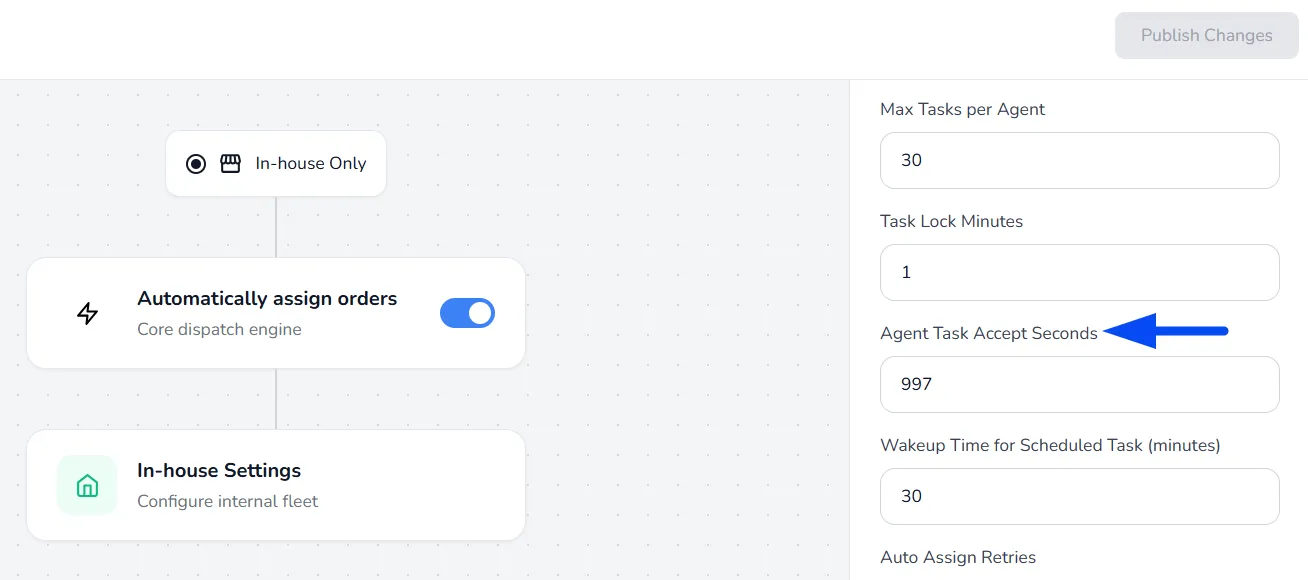
Agent Task Accept Seconds
Specify the time frame within which driver apps must accept order requests before they expire.
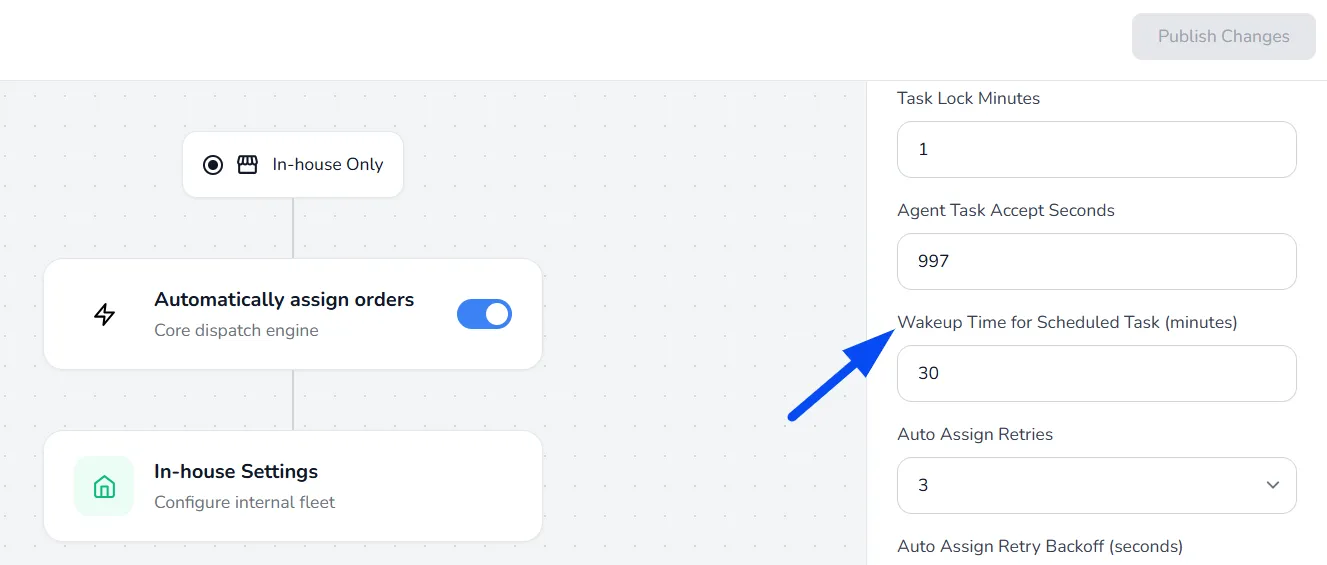
Wakeup Time for Scheduled Tasks (minutes)
This setting defines how early a scheduled order is moved to the active task list from the scheduled list, so that the system can start assigning it to an agent.
For example, if an order is scheduled between 5:00 and 6:00 PM and the wake-up time is set to 1 hour, the system first calculates the midpoint (5:30 PM). Based on the wake-up time, the order will move to the “All Tasks” section at 4:30 PM, after which the system will begin assigning a rider.
Note: It is recommended to set the wake-up time to 1 hour to ensure smooth assignment of scheduled deliveries.
Auto Assign Re-attempts
These settings control how the system retries assigning a task when no agent accepts it, including how many times it should retry and the delay between each attempt.
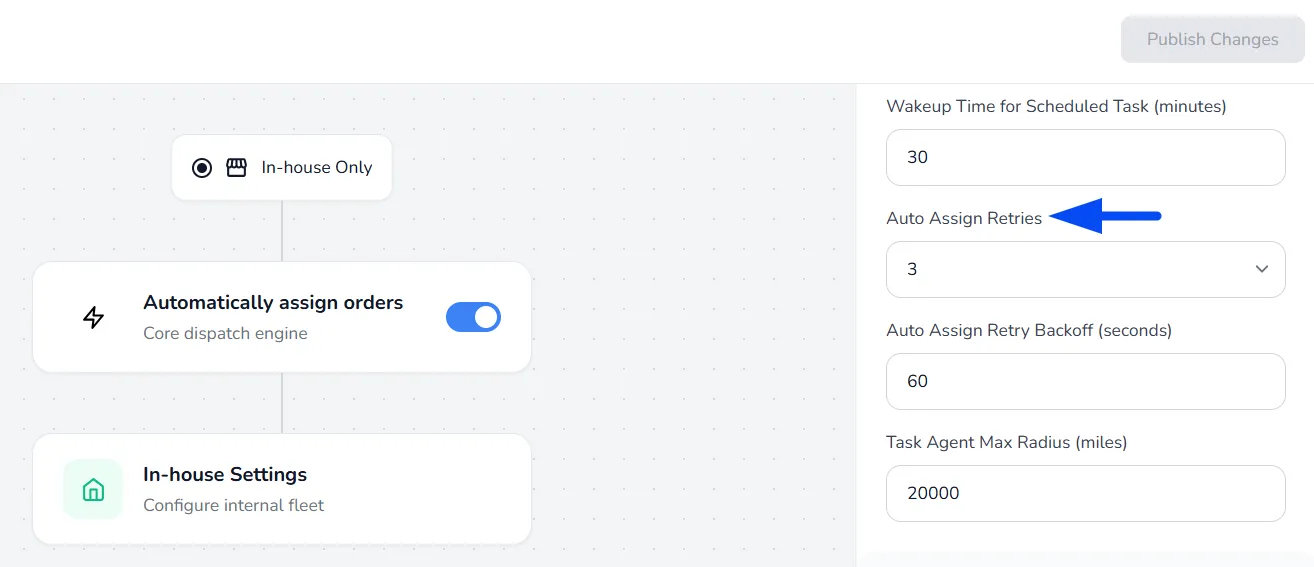
Auto Assign Retries
It dictates the number of attempts the system makes to auto-assign an order after initial failure, encompassing scenarios where no rider accepts the order within the time limit, all riders reject it, or when no available rider is found.
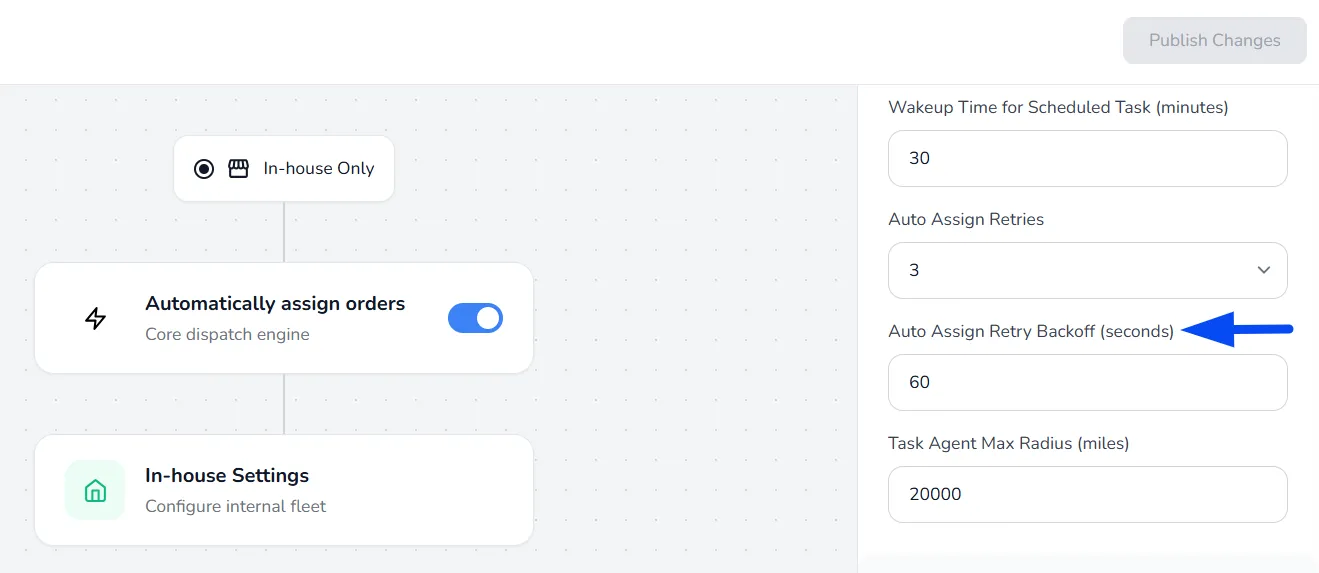
Auto Assign Retry Backoff
Set the waiting time before the auto-assign retries restart.
Order Assigning Radius
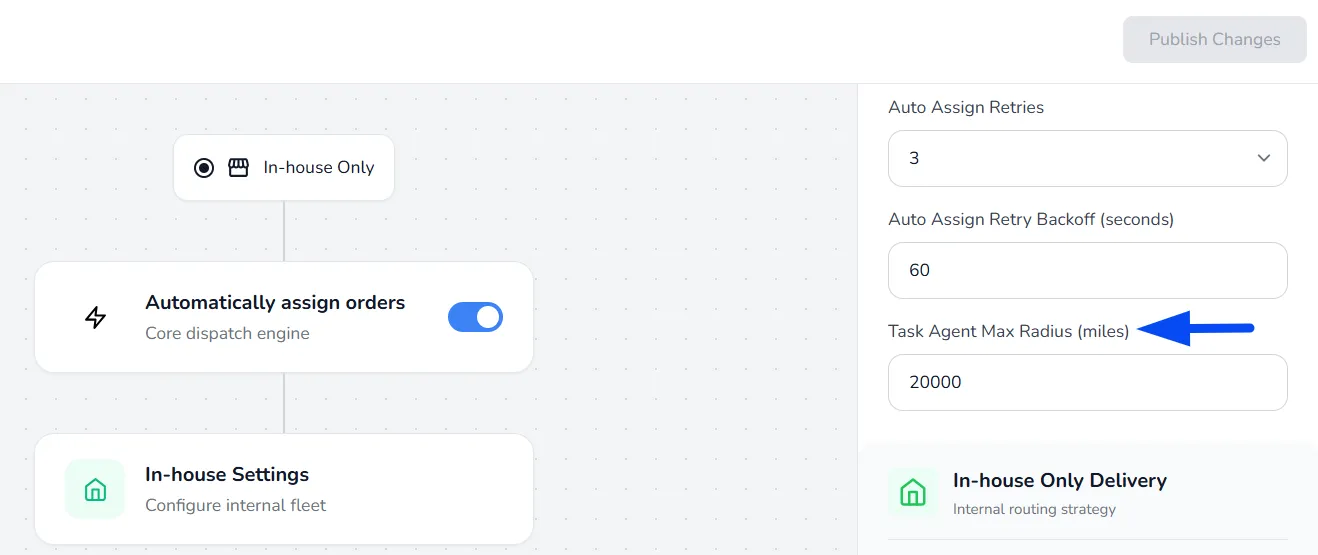
This section helps you control how far the system should look for available agents when assigning a task.
Task Agent Max Radius (miles)
It determines the distance from the originating store's location. Within this radius, the system searches for available agents to fulfill order requests.