Rewardful
Integrating Rewardful is a quick way to set up affiliate and referral programs for your Hyperzod platform. All affiliate tracking and commission management is handled entirely within Rewardful.
Rewardful tracks referred visitors, leads, and conversions from affiliates, customers, influencers, and partners, and adjusts commissions for billing events such as upgrades, downgrades, free trials, cancellations, and refunds.
How to Activate Rewardful on Hyperzod
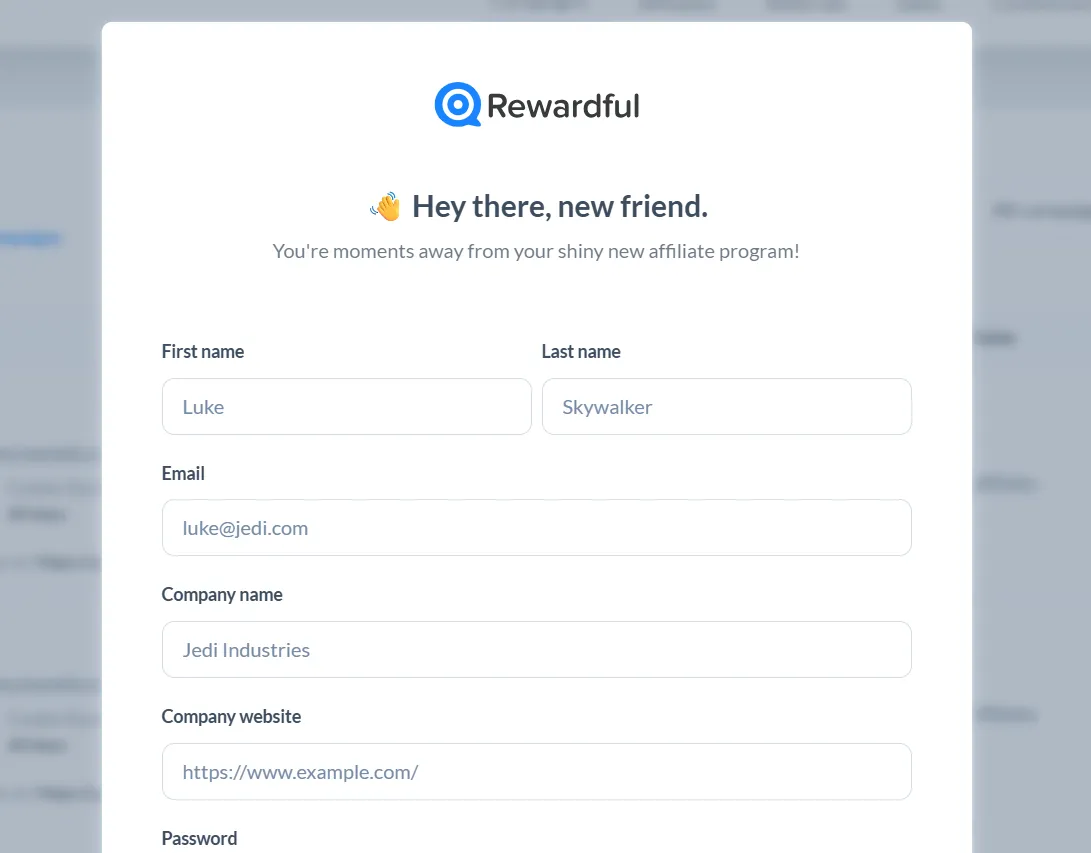
- Sign up at Rewardful to obtain your API key.
Connect to Stripe
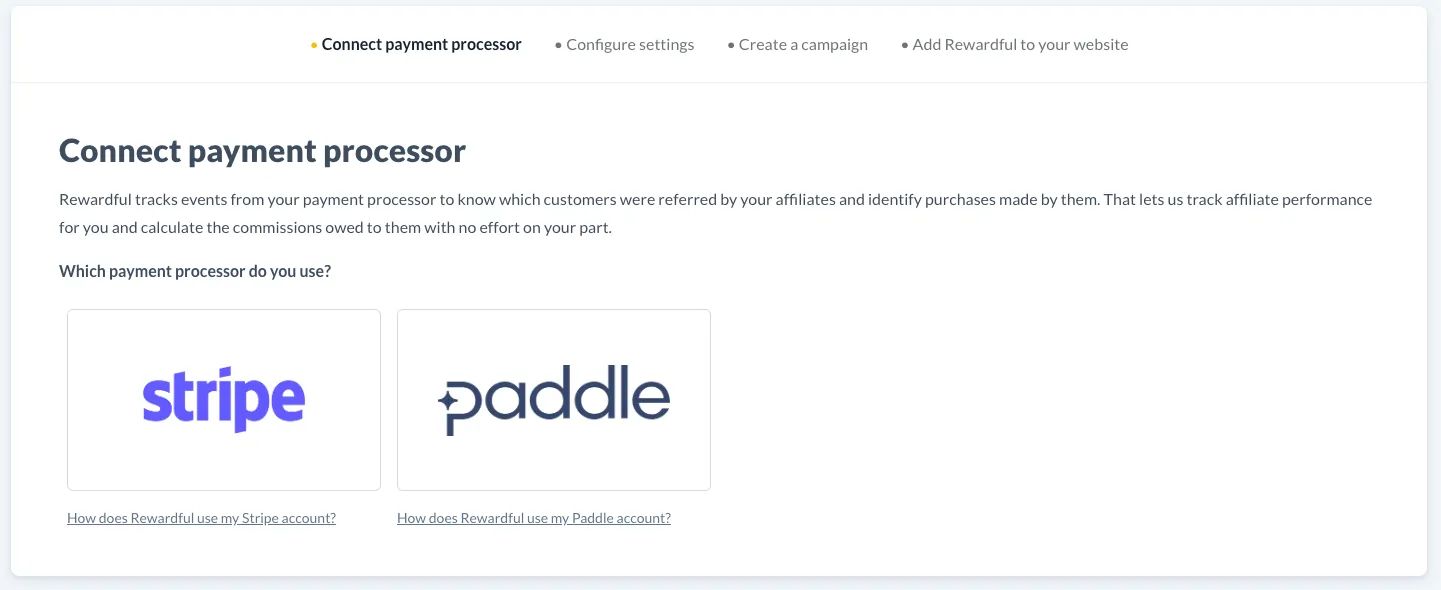
First, connect your Rewardful account to your Stripe account. This is a simple OAuth connection that allows to receive events from the Stripe account associated with referred customers.
Add Your Rewardful API Key
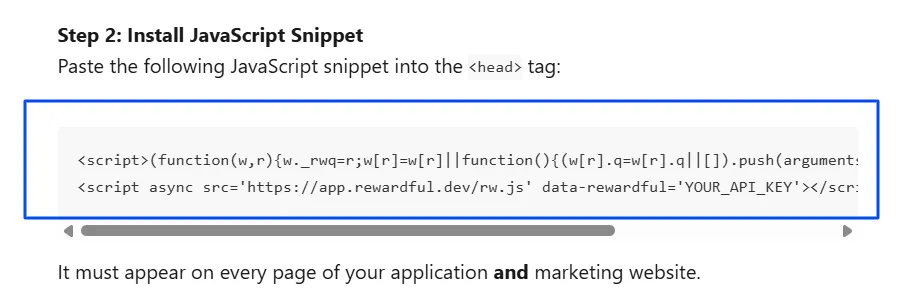
In Rewardful, go to Profile Settings > Company Settings, then scroll down to find your API Key. Replace the placeholder API key in the tracking script with your actual Rewardful API key.
To get the tracking script, go to Step 2 in the guide linked below, copy the script, and replace the placeholder API key with your actual API key.
Guide to get the tracking script - https://help.rewardful.com/en/articles/9014067
Embed the Rewardful Tracking Script
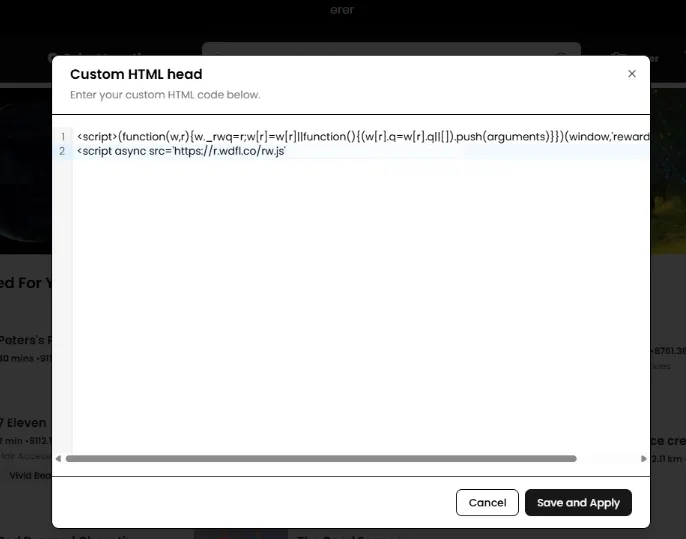
Log in to your Hyperzod Admin Panel. Navigate to Admin Panel > Theme Builder > Custom Code > Custom HTML. Paste the Rewardful tracking script into the Custom HTML section (head)
Verify the Connection
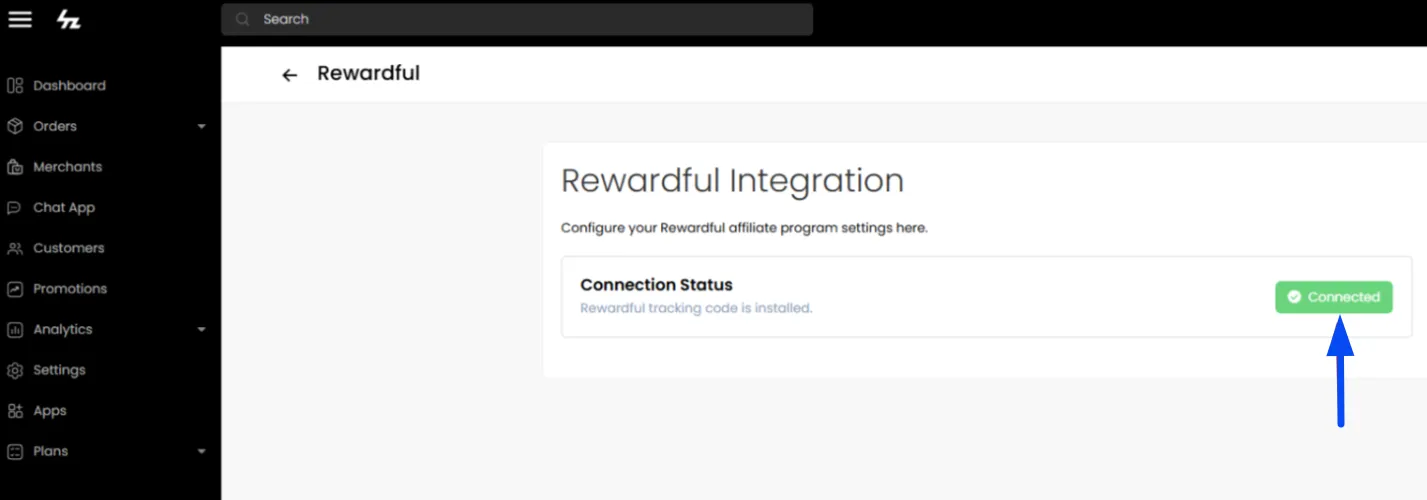
After saving the script in the Theme Builder, go to Apps > Rewardful in your Hyperzod Admin Panel. If the setup is correct, the Rewardful app will show as connected.