Tally
Create and share custom intake forms with the Hyperzod and Tally Forms integration, making it easier to collect information from merchants, drivers, or other users through simple, shareable forms.
With Tally, you can connect your Tally account, create forms directly in the Hyperzod Admin Panel, and generate public links to share with users. This is particularly useful for creating merchant signup forms, driver registration forms, application forms, and other custom intake forms.
What Can You Do with Tally Forms?
- Create custom forms using Tally directly from the Hyperzod platform.
- Use preconfigured Merchant Intake and Driver Intake templates.
- Create additional custom forms based on your requirements and generate a shareable link for each form.
- Track form submissions and their status through Tally.
- Edit existing forms directly in Tally whenever you need to make changes.
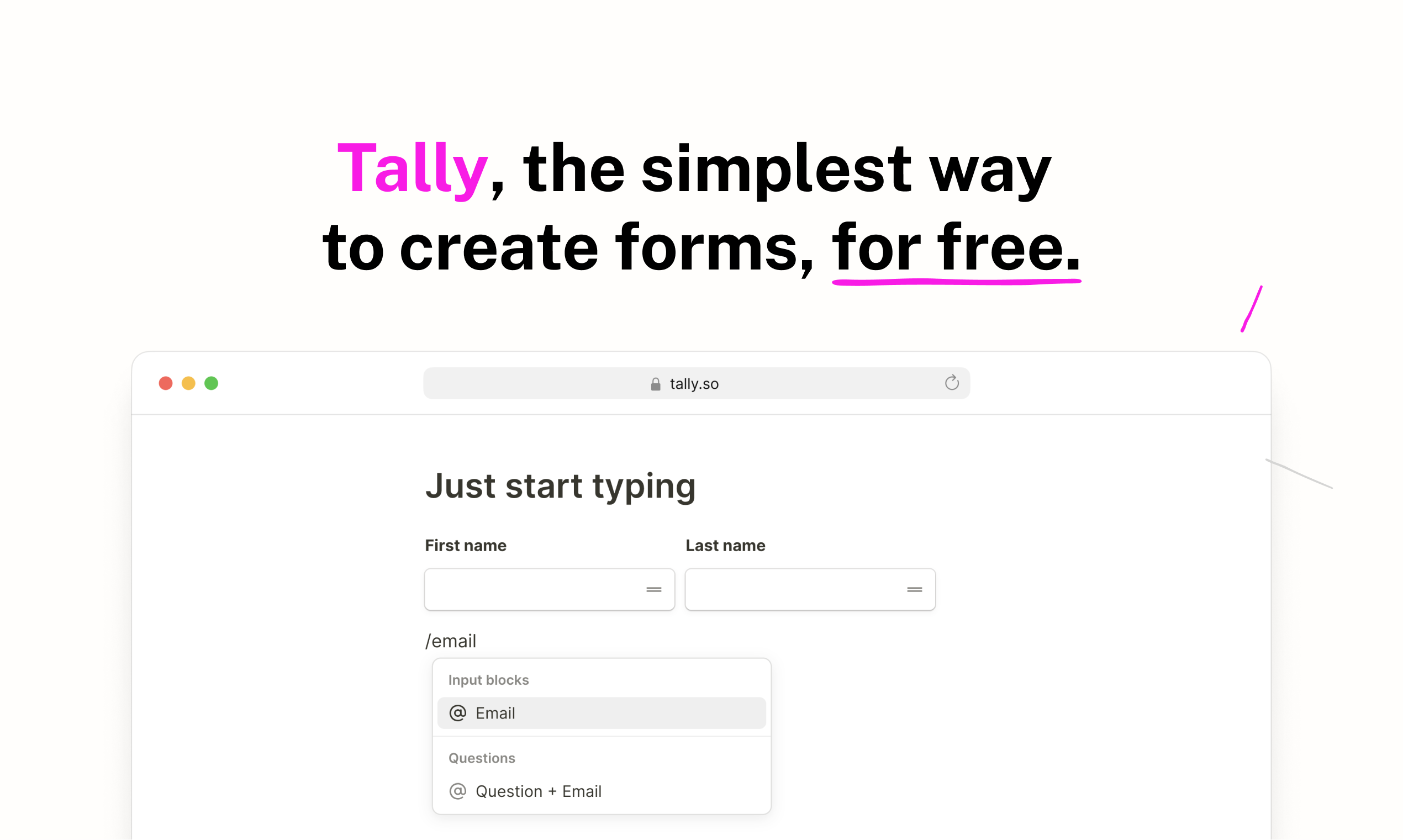
Learn more about Tally forms at tally.so
Share Your Forms Anywhere: Once a form is created, copy its shareable link from Hyperzod and use it wherever you want users to access the form. You can add the link to the website header or footer, making your forms easily accessible to merchants, drivers, or other users.

How to Connect Tally
Follow these steps to connect your Tally account with Hyperzod:
- Go to Apps in your Hyperzod Admin Panel.
- Select Tally.
- Enter your Tally API Token.
- Click Connect Tally, and you can start using it